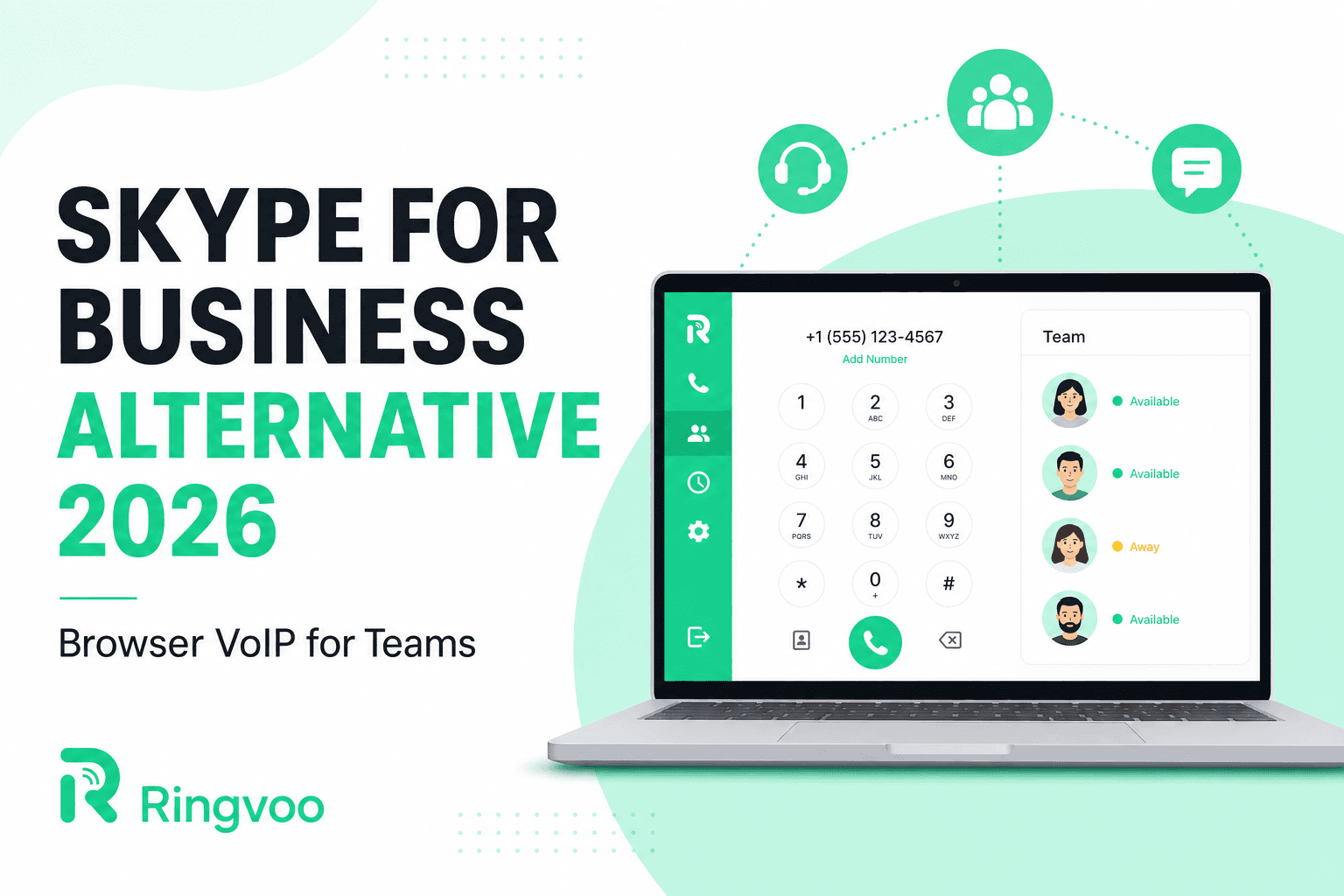
Microsoft retired Skype for Business in favor of Teams years ago, but the name still surfaces in procurement meetings, legacy documentation, and IT migration checklists. If you are searching for a skype for business alternative in 2026, you are probably not nostalgic for on-premises Skype servers — you need reliable PSTN connectivity for sales, support, and operations teams without rebuilding your entire stack around Microsoft 365.
Ringvoo gives distributed teams browser-based international calling with transparent pay-as-you-go rates, verified caller ID, and optional virtual numbers — no desktop client, no per-seat telephony license tied to a single vendor ecosystem. This guide explains what Skype for Business actually provided, why Teams Phone is not always the right fit, and how browser VoIP covers the gaps for lean organizations and global remote workers.
Key Takeaways
- Skype for Business was an on-premises and hybrid UC platform — most organizations have already migrated to Teams or abandoned Microsoft telephony entirely.
- Teams Phone requires Microsoft 365 licensing and admin overhead that small and mid-size teams often overpay for when they only need outbound PSTN dial-out.
- Browser-based VoIP lets staff call banks, clients, and government lines from any laptop without installing Skype or Teams — see Skype vs browser calling.
- Ringvoo Enterprise scales credits, caller ID, and usage visibility for teams that outgrow individual accounts — explore enterprise calling options.
- Compare consumer and business Skype replacements in our best Skype alternatives 2026 roundup.
What Skype for Business Was — and Why Teams Is Not a Drop-In Replacement
Skype for Business (formerly Lync) combined instant messaging, presence, video meetings, and Enterprise Voice — the ability to dial ordinary phone numbers through on-premises or online PSTN gateways. Large enterprises invested in Session Border Controllers, SIP trunks, and desk phone fleets integrated with Active Directory.
Microsoft's roadmap consolidated that functionality into Microsoft Teams Phone. For organizations already standardized on Microsoft 365, the migration path is clear. For everyone else, Teams Phone introduces:
- Per-user Phone System and Calling Plan or Operator Connect fees
- Microsoft 365 admin center dependency for number provisioning
- Client installs on managed devices (Teams desktop and mobile)
- Contractual bundling that may exceed actual dial-out needs
If your team primarily needs outbound international PSTN — calling US support lines from Manila, UK banks from Dubai, or EU suppliers from Bangalore — a full Teams Phone deployment can be disproportionately expensive compared to a browser wallet model.
| Capability | Skype for Business (legacy) | Microsoft Teams Phone | Browser VoIP (Ringvoo) |
|---|---|---|---|
| PSTN dial-out | Yes (via SBC / Online) | Yes (Calling Plan / Operator Connect) | Yes (pay-as-you-go credits) |
| Client requirement | Skype / Lync client | Teams app | Any modern browser |
| Admin complexity | High (on-prem) to medium (online) | Medium to high (M365 admin) | Low (team credits + caller ID) |
| Best fit | Legacy enterprise UC | Microsoft-centric orgs | Distributed teams, travelers, lean ops |
| Virtual inbound numbers | Via telco integration | Via Calling Plan | Purchasable in platform |
Who Needs a Skype for Business Alternative in 2026
Remote sales and business development
Reps on Chromebooks, shared coworking desks, or client-site laptops often cannot install Teams or legacy Skype clients. Browser calling behaves like any SaaS tool: authenticate, dial +1, +44, or +971, hang up. No IT ticket for softphone exceptions.
Customer support and operations back-office
Support teams calling PSTN-only numbers — insurance hotlines, shipping carriers, payment processors — need dial-out, not Slack huddles. Messaging apps and meeting platforms cannot replace calling a published business phone number.
Startups post-Skype-for-Business
Founders who remember Skype for Business from a previous employer sometimes assume Microsoft is the only "serious" business voice path. Browser VoIP with team wallets and verified outbound caller ID covers outbound needs without a six-month telco procurement cycle.
International contractors and agencies
Agencies billing clients in multiple countries need per-minute transparency, not opaque bundled minutes. Ringvoo publishes live international rates so finance teams can forecast call spend before month-end surprises.
Browser VoIP vs Teams Phone: Practical Comparison
Teams Phone wins when your organization already lives inside Microsoft 365, you need deep calendar and meeting integration, and you will provision Teams-certified desk phones for every employee. Admin teams comfortable with Operator Connect and compliance recording in the Microsoft ecosystem should stay there.
Browser VoIP wins when:
- Only a subset of staff place outbound international calls
- Devices are locked down or shared
- You want pay-as-you-go pricing without annual telephony commits
- Contractors and freelancers need dial-out without M365 seats
- Travelers call from hotel Wi-Fi without roaming SIMs
Ringvoo bridges WebRTC in the browser to carrier interconnects — the recipient's phone rings normally. Audio quality on stable broadband typically matches or exceeds mobile voice on congested networks. For a technical deep dive, read what is browser calling.
Enterprise browser calling without Skype installs
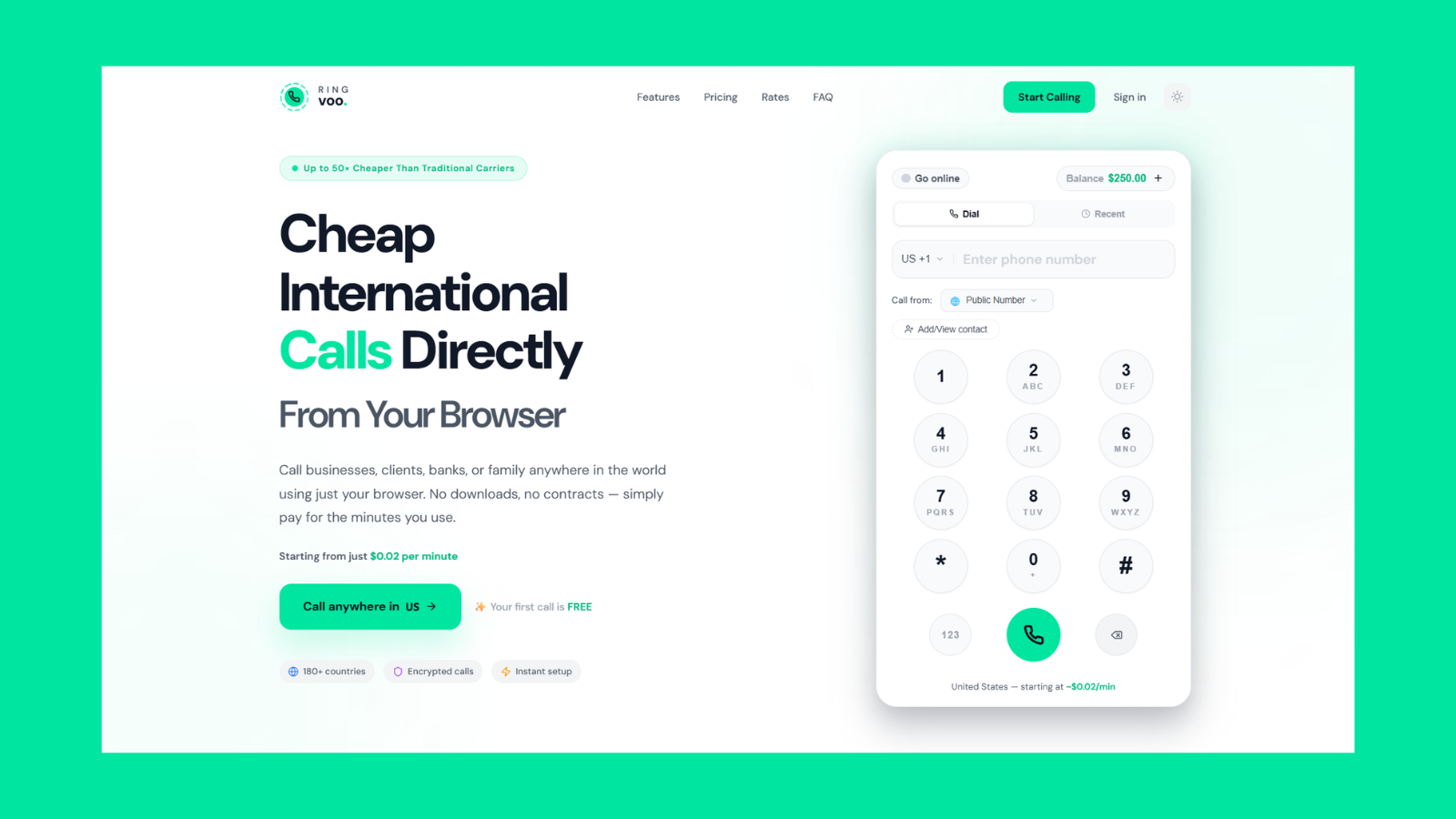
Give your team browser-based PSTN dial-out with shared credits, verified caller ID, and usage you can audit — without Microsoft Phone System licenses or legacy Skype clients. Ringvoo works on managed laptops where app installs are blocked.
Try Ringvoo free — call from your browser · View international rates
Setting Up Ringvoo as a Business Skype for Business Alternative
Step 1 — Pilot with outbound-heavy roles. Identify staff who call international PSTN numbers daily: finance, logistics, sales development, executive assistants.
Step 2 — Configure verified caller ID. Present your company or direct line on outbound calls so recipients recognize the call — critical when replacing Skype for Business caller ID policies.
Step 3 — Allocate team credits. Fund a shared wallet or individual balances. Credits never expire, unlike some legacy Skype Credit policies that confused finance teams.
Step 4 — Add virtual numbers if inbound matters. If Skype for Business gave you DIDs for inbound routing, Ringvoo virtual numbers can receive PSTN calls in the browser — see virtual phone number guide and receive calls in browser.
Step 5 — Document dial procedures. Standardize E.164 formatting (+country code + national number) in runbooks so staff avoid double-prefix misdials.
For larger deployments, Ringvoo Enterprise adds centralized billing, usage reporting, and onboarding support tailored to teams migrating off Microsoft-centric telephony.
Migration Checklist: Leaving Skype for Business Workflows
| Migration task | Action |
|---|---|
| Inventory PSTN use cases | Separate true phone calls from internal chat/video |
| Export frequent dial lists | Rebuild contacts in Ringvoo with E.164 formatting |
| Replace desk phone dial-out | Browser dialer for staff without handset need |
| Review compliance needs | Confirm call recording requirements with legal |
| Decommission SBC / SIP trunks | Only after parallel running validates browser path |
| Train staff on browser audio | Headset test, microphone permissions, Wi-Fi quality |
Do not assume Teams Phone is mandatory because Skype for Business existed. Many organizations migrated messaging to Teams while sourcing international PSTN dial-out from a specialized provider — lower cost, faster rollout, less admin.
Cost and Licensing Reality Check
Teams Phone pricing stacks Microsoft 365 seats, Phone System add-ons, and domestic or international calling plans. A twenty-person team where only five people dial internationally may pay for twenty telephony-enabled seats unnecessarily.
Browser pay-as-you-go models align spend with usage. A ten-minute call to a US toll line costs what the rate card says — not a bundled minute pool with fair-use asterisks. Compare your actual monthly PSTN minutes against Ringvoo rates and cheapest way to call abroad frameworks before renewing Microsoft telephony bundles.
Frequently Asked Questions
Is Skype for Business still supported?
No. Microsoft ended mainstream support and directed customers to Microsoft Teams. Existing Skype for Business Server deployments should be on an explicit decommission plan.
Can Ringvoo replace Teams Phone entirely?
For organizations deeply integrated with Microsoft 365 meetings and desk phones, Teams Phone may remain primary. Ringvoo excels as outbound international PSTN for distributed staff, contractors, and teams avoiding Microsoft telephony licensing — often alongside Teams for chat, not instead of entire UC stacks.
Do employees need to install an app?
No. Ringvoo runs in Chrome, Safari, Firefox, and Edge. That is a core advantage over Skype for Business and Teams client requirements on locked laptops.
Can we show our company number on outbound calls?
Yes. Ringvoo supports verified custom caller ID so recipients see a recognizable business line — similar to the caller ID policies Skype for Business admins configured via telco trunks.
Does browser calling work for calling banks and government lines?
Yes. Ringvoo connects to the PSTN. You can reach numbers that WhatsApp and meeting apps cannot — the same class of destinations Skype for Business Enterprise Voice targeted.
How does Ringvoo compare to other Skype alternatives?
See our full best Skype alternatives 2026 guide for consumer and business-oriented options. Ringvoo is optimized for browser-first international PSTN with transparent pricing.
Is there an enterprise plan for multiple users?
Yes. Visit Ringvoo Enterprise for team billing, onboarding, and scale beyond individual pay-as-you-go accounts.
Choose a Modern Skype for Business Alternative
The best skype for business alternative for most lean and distributed teams in 2026 is not another monolithic UC suite — it is flexible PSTN dial-out that works wherever your staff open a browser. Ringvoo delivers international calling without Skype clients, without mandatory Microsoft telephony licenses, and with credits that never expire.
Start with a pilot on your highest-volume international dialers, compare spend against legacy Skype for Business or Teams Phone invoices, and scale through Ringvoo Enterprise when ready. Review best Skype alternatives 2026, check live rates, and create your free account to place your first browser call today.