If your team needs an international conference call browser workflow in 2026, you are probably tired of forcing every participant into the same video app — or paying per-seat telephony licenses when half the meeting is really a phone bridge to Mumbai, Lagos, or São Paulo. Browser-based PSTN dial-out lets organizers and attendees join multi-party voice sessions from Chrome or Safari without installing Skype, Teams, or Zoom desktop clients.
Ringvoo gives distributed teams a browser dialer with transparent per-minute rates, shared credits, and optional verified caller ID — ideal when your "conference" is three sales reps calling a client line, a support lead dialing a carrier hotline, or a project manager patching in a supplier who only answers a landline. This guide covers how browser conference calling works, when it beats traditional bridge services, cost comparisons, setup steps, and enterprise options for organizations migrating off legacy Skype for Business or evaluating Zoom Phone alternatives.
Key Takeaways
- Browser conference calling combines WebRTC dial-out with PSTN interconnects — participants on ordinary phone numbers join without apps or meeting links.
- Not every meeting needs a video bridge — many international "conferences" are outbound dial sequences to banks, clients, and government lines that video platforms cannot reach.
- Ringvoo Enterprise scales shared wallets, caller ID, and usage visibility for teams — explore enterprise calling options.
- Compare legacy stacks in our Skype for Business alternative and Zoom Phone alternative guides.
- Check live international rates before scheduling long multi-destination dial sessions.
What "International Conference Call Browser" Actually Means
The phrase covers two related use cases that IT teams often conflate:
Outbound multi-party dial-out. One organizer uses a browser dialer to call Participant A, then adds Participant B via a second line, transfer, or sequential dial — common for lean teams without a dedicated audio bridge subscription.
PSTN legs into existing bridges. Your company still uses a traditional conference bridge (toll number + PIN), but remote staff dial in from a browser VoIP client instead of a desk phone or roaming mobile — avoiding hotel surcharges and international cellular rates.
Browser VoIP is not a replacement for 500-person webinar platforms with screen sharing, recording, and breakout rooms. It is a practical path when voice to real phone numbers matters more than slides — sales discovery calls, vendor negotiations, insurance claim conferences, and executive assistant–coordinated multi-party check-ins across time zones.
| Scenario | Video bridge (Teams/Zoom) | Browser PSTN dial-out (Ringvoo) |
|---|---|---|
| Internal staff on laptops | Excellent | Overkill unless PSTN required |
| Client on mobile only, no app | Requires dial-in number + PIN | Direct dial to their number |
| Bank / government hotline | Cannot join as PSTN callee from your side | Organizer calls published number |
| Traveler on hotel Wi-Fi | App install may be blocked | Works in Chrome tab |
| Cost model | Per-seat license + add-ons | Pay-as-you-go per minute |
For technical background on how audio moves from browser to phone network, read WebRTC calling explained.
Who Benefits from Browser-Based International Conferencing
Distributed sales and account teams
Reps in Dubai, London, and Singapore often need to reach the same US procurement line within minutes. Browser dial-out with shared team credits avoids provisioning three different carrier international packs.
Customer success and escalations
When a ticket requires a three-way call with a customer on a landline and a carrier support line that rejects VoIP callbacks from unknown apps, PSTN dial-out from a verified caller ID restores trust.
Operations and logistics coordinators
Freight forwarders, customs brokers, and supply-chain managers routinely conference port authorities, trucking dispatch, and overseas warehouses — numbers that live on PDF rate sheets, not Slack profiles.
Startups avoiding telephony lock-in
Early-stage companies comparing Zoom Phone alternative paths often need ten hours of international PSTN monthly, not two hundred Teams Phone seats. Browser wallets align spend with actual dial minutes.
Remote workers without desk phones
Contractors on managed laptops where softphone installs are blocked can still participate in voice conferences by dialing bridge numbers or outbound participants from Ringvoo.
Browser Conference Calling vs Traditional Bridge Services
Traditional audio bridges (InterCall, LoopUp, legacy Skype dial-in numbers) charge organizer fees, per-participant per-minute rates, or monthly subscriptions. They excel at moderated earnings calls and large all-hands with operator assistance.
Browser pay-as-you-go VoIP excels when:
- Participant count is small (2–6 lines)
- Destinations span multiple countries with different rate bands
- Organizers need flexibility without scheduling through a bridge operator
- IT cannot deploy another desktop client this quarter
| Factor | Traditional bridge | Browser VoIP (Ringvoo) |
|---|---|---|
| Setup time | Account + bridge reservation | Login + dial |
| Participant app requirement | Usually none (PSTN dial-in) | None for PSTN recipients |
| International rate transparency | Bundled or opaque | Published per destination |
| Best for | Large moderated calls | Agile outbound multi-party |
| Admin overhead | Bridge portal + PIN management | Team credits + caller ID |
Many organizations use both: a video platform for internal standups, browser PSTN for anything touching external phone numbers. See small business international calling for hybrid playbooks.
Setting Up International Conference Workflows in the Browser
Step 1 — Map your call patterns. List recurring multi-party scenarios: which numbers are mobile, landline, toll-free, or international-only direct lines. Toll-free destinations often block or surcharge foreign origination — locate alternate direct numbers before the meeting.
Step 2 — Standardize E.164 formatting. Train staff to store contacts as +country code + national number. Double-prefix errors (+1 1 212...) are the top cause of failed conference dials.
Step 3 — Pilot shared team credits. Fund a wallet for outbound-heavy roles. Credits do not expire — unlike some legacy Skype Credit policies that frustrated finance teams during Skype for Business alternative migrations.
Step 4 — Configure verified caller ID. Present a recognizable company or direct line when dialing clients — critical for answer rates on cold multi-party introductions.
Step 5 — Document audio hygiene. Headset tests, mute discipline, and stable Wi-Fi (1 Mbps+ per voice stream) prevent the "can you hear me?" loops that waste billable minutes. Cross-reference VoIP call quality tips.
Step 6 — Scale with Enterprise. When usage grows beyond individual accounts, Ringvoo Enterprise adds centralized billing, usage reporting, and onboarding support.
Run international conference calls from your browser
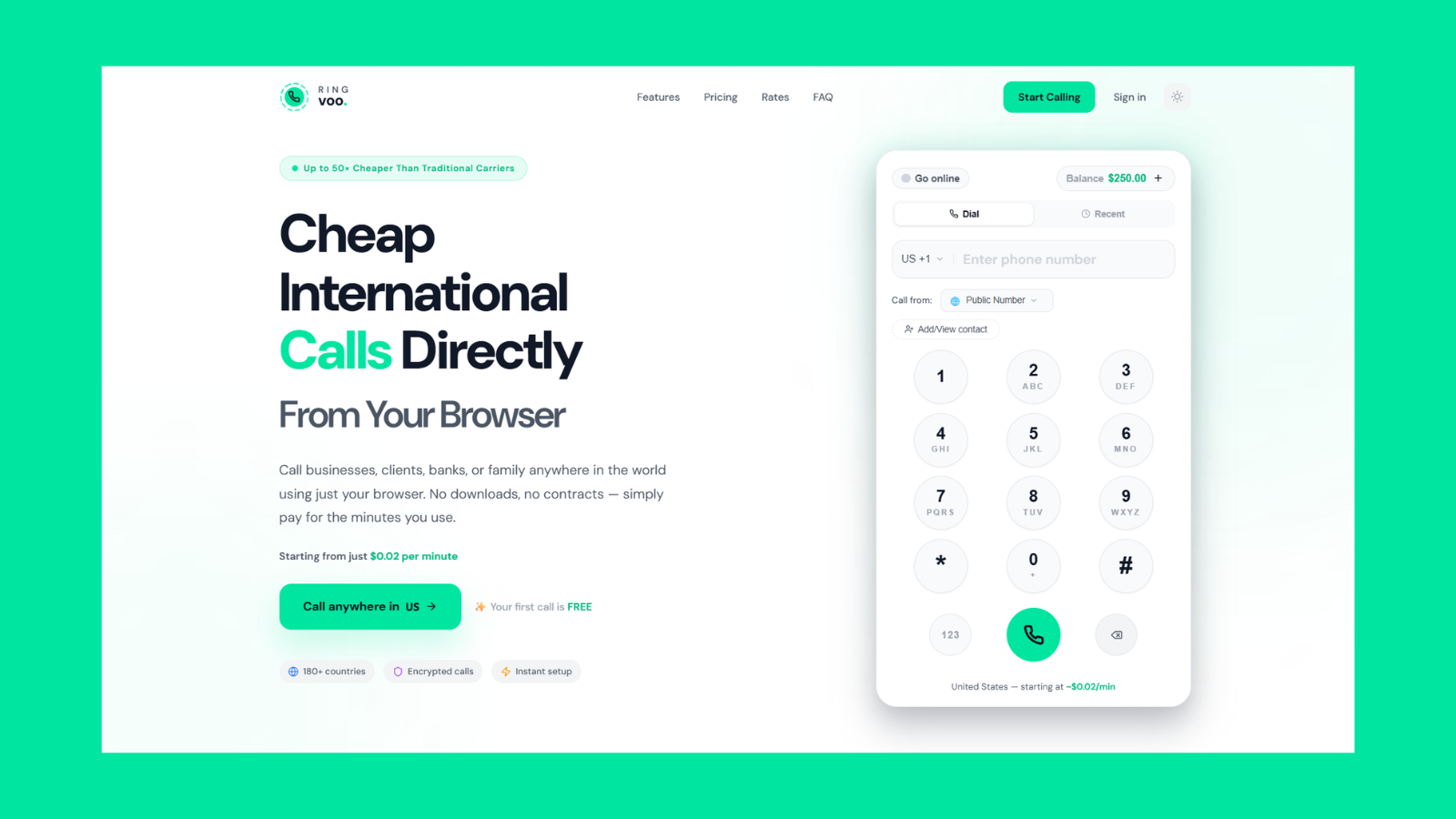
Connect remote participants on PSTN numbers worldwide from a browser tab — shared team credits, verified caller ID, and transparent per-minute rates. No desktop client, no Microsoft 365 telephony bundle required.
Try Ringvoo free — call from your browser · View international rates
Cost Planning for Multi-Country Conference Dials
International conference cost is the sum of each PSTN leg's duration × destination rate. A twenty-minute call bridging UAE, UK, and US numbers may bill three rate bands simultaneously if your workflow maintains parallel outbound legs.
| Destination type | Cost driver | Planning tip |
|---|---|---|
| US / Canada mobile | Mid-tier per minute | Compare against Ringvoo rates |
| Western Europe landline | Often lower than mobile | Prefer published direct lines over premium mobiles |
| Asia-Pacific mobile | Variable by carrier | Check Globe, Smart, Airtel routes before long calls |
| Premium / satellite | Highest tiers | Confirm number type before dialing |
| Toll-free (800/888) | Often blocked internationally | Find alternate direct line |
Finance teams migrating from Skype for Business or evaluating Zoom Phone alternative licensing should compare actual monthly PSTN minutes against pay-as-you-go totals — many teams overbuy seat-based telephony when only five employees dial internationally.
Security, Compliance, and Recording Considerations
Browser VoIP sessions use encrypted WebRTC transport between the browser and provider infrastructure; audio crossing PSTN beyond that follows standard telecom paths. For regulated industries:
- Confirm whether call recording is required — browser VoIP may not offer native compliance recording like enterprise SBC deployments
- Document consent policies for jurisdictions that require two-party notification
- Use HTTPS-only login, strong passwords, and two-factor authentication on team accounts
- Restrict shared credentials; allocate individual logins when audit trails matter
For deeper security framing, see what is browser calling and secure international calling practices.
Frequently Asked Questions
Can I host a 50-person conference call in the browser?
Browser PSTN dial-out suits small multi-party voice, not large moderated bridges with operator assistance. For fifty-person earnings calls, use a dedicated audio bridge; use browser VoIP for outbound legs and traveler dial-in.
Does Ringvoo replace Zoom Phone or Teams Phone?
For organizations needing deep meeting integration, desk phone fleets, and native recording, Zoom Phone or Teams may remain primary. Ringvoo excels as outbound international PSTN for distributed staff — often alongside video tools, not instead of entire UC stacks. See Zoom Phone alternative.
Do conference participants need to install an app?
No. PSTN participants answer their phone normally. Organizers need only a modern browser and microphone — no Skype, Teams, or Zoom install.
Can I dial into a traditional conference bridge from Ringvoo?
Yes. Enter the bridge's published + number and PIN using the browser dialer — useful when traveling internationally without roaming minutes.
How is audio quality on browser conference calls?
On stable broadband (10+ Mbps down, 1+ Mbps up), voice quality typically matches mobile cellular. Congested Wi-Fi, VPN overhead, or hotel networks may cause jitter — use wired Ethernet when possible.
Is browser conference calling legal in all countries?
Most nations allow personal and business VoIP for international calls. Some restrict resident use of unlicensed VoIP — verify local rules for your operating jurisdictions.
Can Enterprise accounts share one caller ID across the team?
Yes. Ringvoo Enterprise supports verified outbound caller ID and shared credit pools with usage visibility for administrators.
What happened to Skype for Business conference features?
Microsoft retired Skype for Business in favor of Teams. Organizations still referencing Skype conference workflows should plan explicit migration — our Skype for Business alternative guide covers practical PSTN replacements.
Start International Conference Calling from Your Browser
The most flexible international conference call browser setup for lean global teams pairs a video tool for internal collaboration with browser PSTN dial-out for every number that lives on a business card — clients, carriers, regulators, and suppliers who will never install your app.
Check live international rates, create your free account, and explore Ringvoo Enterprise when shared credits and caller ID policies matter. For adjacent reading, compare Skype for Business alternative migration paths and Zoom Phone alternative cost models before renewing telephony bundles.