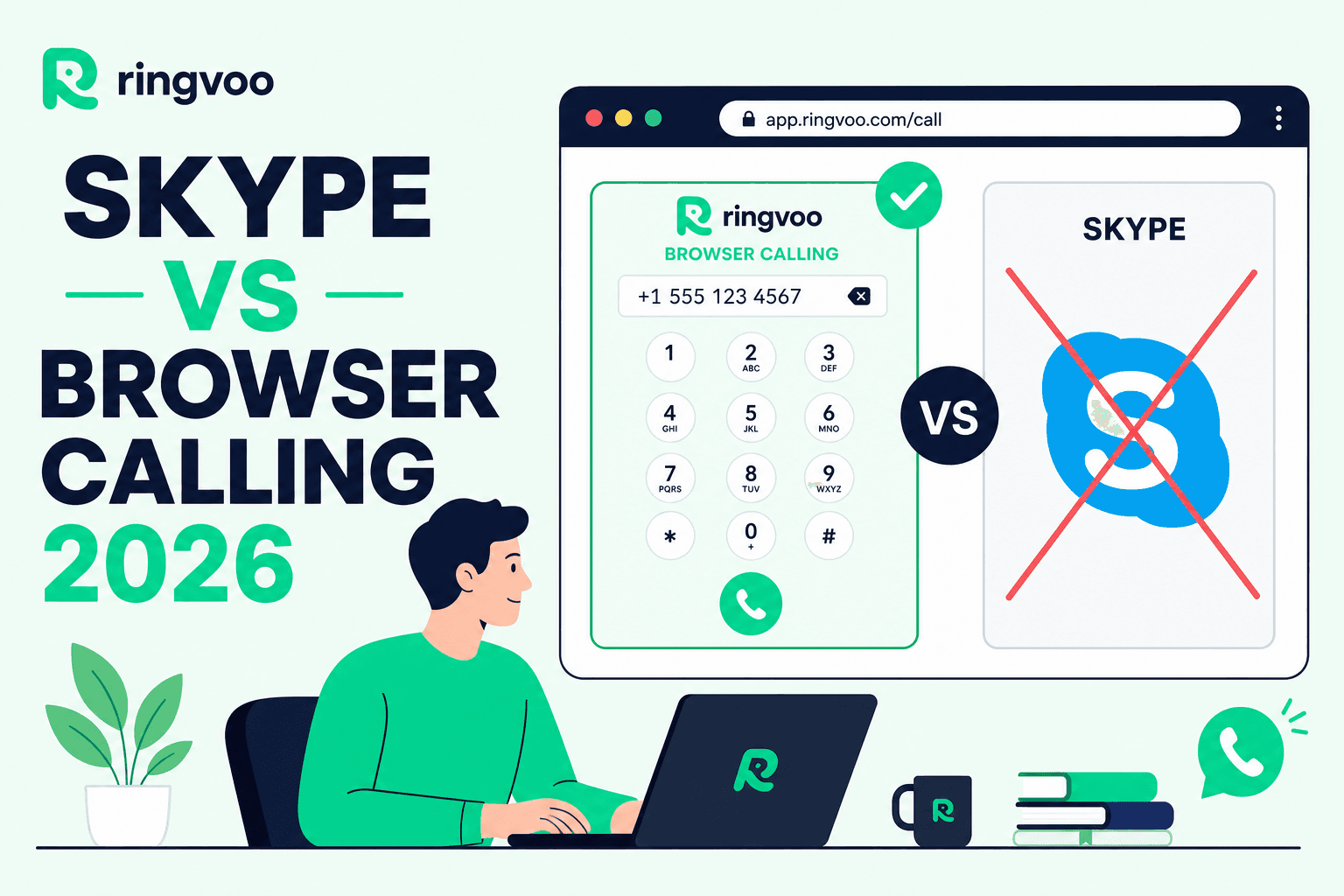
For years, Skype meant installing a program, signing into a Microsoft account, and hoping updates did not break your headset settings before an important call abroad. That model worked — until laptops became locked down, Skype's consumer future grew uncertain, and people started asking a simpler question: why download anything at all?
Skype vs browser calling is not a debate about video chat nostalgia. It is about how you reach real phone numbers internationally in 2026 — from a café laptop, a hotel Chromebook, or your phone's browser — without carrier roaming fees or IT-approved app installs. The Ringvoo Team ships browser-first international calling daily, and we wrote this guide to explain the technical and practical differences so you can choose confidently.
Key Takeaways
- Skype relies on a native client or limited web experience; browser-based platforms like Ringvoo run fully in Chrome, Safari, Firefox, or Edge with no install.
- Both can reach PSTN numbers, but browser calling fits locked corporate devices, travelers, and anyone who wants instant access via a URL.
- WebRTC powers modern browser calls — encrypted audio routed through cloud telephony networks such as the infrastructure Ringvoo uses for HD voice.
- Pay-as-you-go browser wallets mirror old Skype Credit flexibility without Microsoft's consumer sunset risk.
- Compare full alternatives in our best Skype alternatives 2026 roundup and international calling apps guide.
What Skype Actually Was (and What It Is Now)
Skype combined three ideas: instant messaging, peer-to-peer and relayed voice/video between Skype users, and Skype Out — paid dial-out to ordinary telephone numbers worldwide. Millions also bought Skype Numbers to receive calls on Skype from the PSTN.
The desktop and mobile apps handled signaling, codecs, contact sync, and notifications. Microsoft's ownership folded Skype into a broader communications strategy centered on Teams for business. Consumer Skype still exists in pockets, but feature investment, marketing, and user migration messaging point away from Skype as a long-term home for personal international dial-out.
That matters because Skype vs browser calling is really a question about what replaces Skype Out's job: reliable, affordable calls to +1, +44, +971, and every other country code — not just free calls to other Skype usernames.
How Browser-Based Calling Works
Browser calling uses WebRTC (Web Real-Time Communication), an open standard built into modern browsers. When you place a call on Ringvoo:
- You log into your account in the browser and grant microphone access.
- The platform requests a secure voice token from its servers.
- Audio streams encrypt between your browser and the telephony provider's network.
- The provider bridges your session to the public switched telephone network (PSTN).
- The recipient's phone rings — mobile, landline, or VoIP — even though you never left your browser tab.
There is no plugin, no Flash, and no separate softphone binary. As long as you have stable internet and a reasonable headset, you are calling.
Why WebRTC changed the Skype equation
Skype pioneered consumer VoIP when browsers could not safely access microphones at scale. WebRTC closed that gap. Today, the best browser calling experiences deliver Opus codec HD audio, adaptive bitrate on flaky Wi-Fi, and enterprise-grade carrier interconnects — the same class of infrastructure large contact centers use.
From the Ringvoo Team's experience testing across regions, browser call quality on good Wi-Fi often exceeds mobile voice on congested networks, especially for long international legs where mobile codecs aggressively compress audio.
Skype vs Browser Calling: Side-by-Side Comparison
| Factor | Skype (desktop/mobile app) | Browser-based calling (e.g. Ringvoo) |
|---|---|---|
| Installation | App download + updates required | None — works in existing browser |
| Account ecosystem | Microsoft account | Email signup; independent platform |
| PSTN dial-out | Skype Credit / subscriptions (legacy) | Pay-as-you-go wallet credits |
| Device fit | Best on personal devices you control | Ideal on shared, corporate, or travel devices |
| Inbound PSTN number | Skype Number (legacy product) | Purchasable virtual numbers in platform |
| Caller ID control | Skype settings / verified numbers | OTP-verified custom caller ID |
| IT lockdown risk | Often blocked on managed laptops | Usually allowed — standard HTTPS + WebRTC |
| Long-term product stability | Consumer sunset uncertainty | Purpose-built for browser international calling |
| Credits expiration | Varies by Microsoft product era | Ringvoo credits never expire |
| Rate transparency | Rate finder in app | Published per-minute rates online |
This table summarizes access and operations — not every subjective preference. Some users love a native app with OS-level notifications. Others need zero install footprint. Your environment decides.
When Skype (or Its Successors) Still Makes Sense
Honesty builds trust, so here is where a traditional Skype-style app can win:
- You only call other Skype or Teams users for free and never dial landlines.
- Your organization standardizes on Microsoft Teams with admin-managed telephony.
- You already own Skype Credit and migration is not yet urgent — though we advise planning before forced migration.
- You depend on deep OS integration — native call notifications on mobile, background Bluetooth handling — and accept app installs.
If your reality is calling banks, hospitals, government offices, or family members on ordinary phone numbers, browser PSTN calling or another dial-out service is required regardless of Skype.
Call from your browser instead of Skype
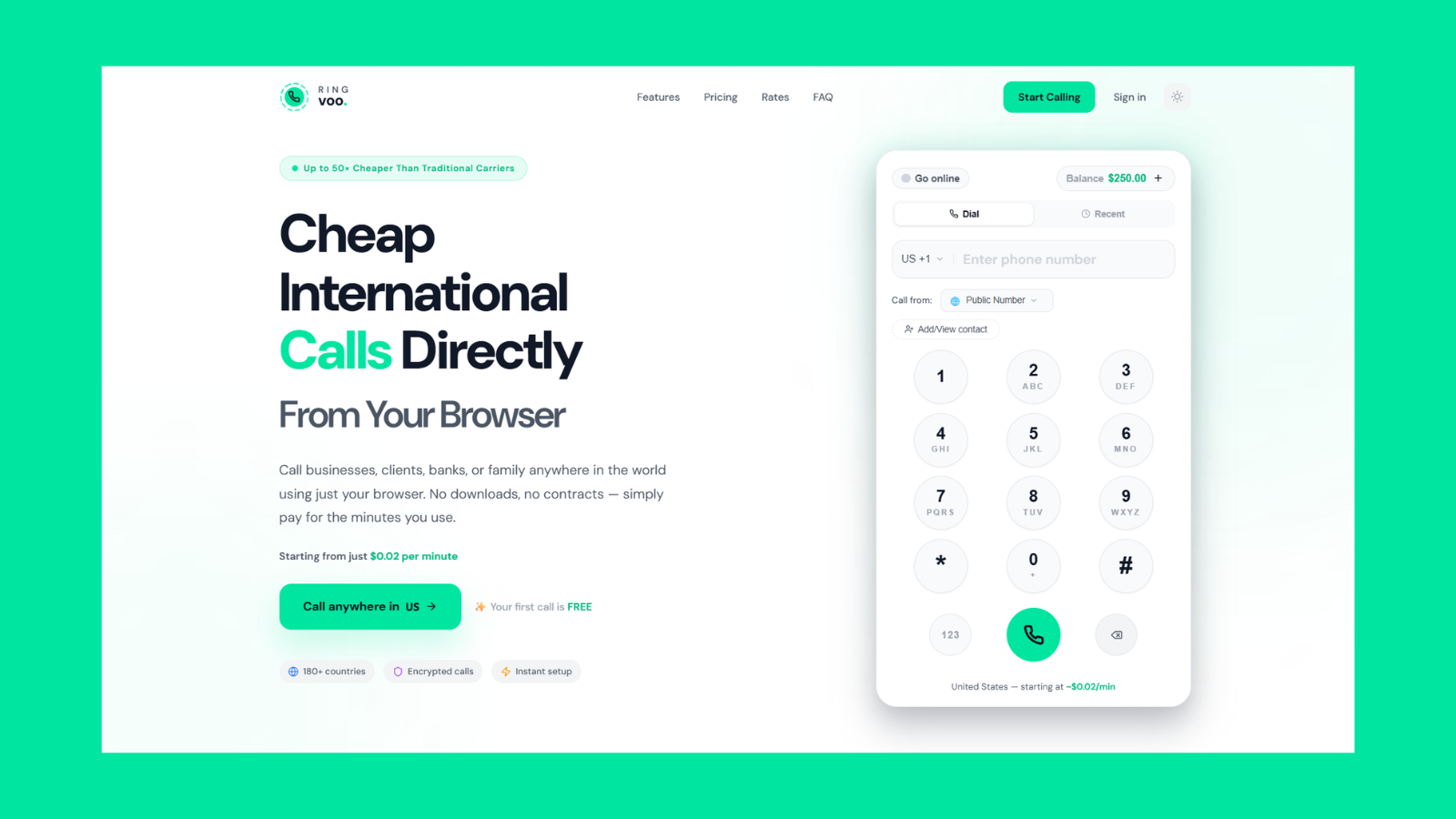
Open Ringvoo, enter any international number, and call over Wi-Fi. No Skype client, no Microsoft account — just transparent per-minute pricing to mobiles and landlines.
Try Ringvoo free — call from your browser · View international rates
When Browser Calling Is the Better Choice
Travel and roaming
Roaming charges punish travelers who use their home SIM abroad. A browser tab plus Wi-Fi lets you call home without swapping SIMs — a workflow we document in international calls without a SIM card. Dial USA numbers from the UAE or any supported route without touching carrier settings.
Corporate laptops
Managed devices frequently block Skype installers while allowing HTTPS websites. Browser calling behaves like any other SaaS tool — log in, call, log out — which is why remote sales and support staff adopt it faster than fighting IT for softphone exceptions.
Occasional international callers
Subscriptions punish low-volume users. Ringvoo's pay-as-you-go model means you add credits when needed; they never expire. That mirrors the best part of old Skype Credit without monthly Zoom Phone-style commitments.
Multi-device flexibility
Start a call on your office laptop, continue troubleshooting on a tablet browser session after login — no sync conflicts from native app state. Browser sessions follow your account, not a single device's app data.
Quick setup for new team members
Send a link, share login credentials under your org policy, and new hires dial on day one. Compare onboarding friction to provisioning Skype for Business or Teams telephony licenses.
Call Quality: Myths and Realities
A common objection: "Browser calls must sound worse than a real app." That was true in 2010. In 2026, codec choice and network path matter more than client type.
Ringvoo routes voice through carrier-grade infrastructure with modern codecs. On stable broadband or good 5G, listeners often report clearer audio than standard mobile calls. Problems usually trace to:
- Weak Wi-Fi — packet loss causes chop; use wired Ethernet or move closer to the router.
- Bluetooth headset latency — quality mics with wired USB connections perform best for long calls.
- Background browser load — dozens of heavy tabs can steal CPU; close unused tabs before important calls.
- VPN routing — some corporate VPNs add latency; split-tunnel or call off VPN if policy allows.
Skype apps face the same network realities once media leaves the device. Do not assume native equals better; test on your actual network.
Security and Privacy Considerations
Both Skype-era apps and modern browser platforms should encrypt voice in transit. WebRTC mandates encrypted media channels by default. Responsible providers also secure signaling over HTTPS and tokenize access to telephony credentials so your browser never stores carrier secrets.
Questions to ask any provider — Skype successor or browser platform:
- Is voice encrypted between client and carrier edge?
- How are call detail records stored and who can access them?
- Can I verify outbound caller ID so recipients trust the call?
- Does the company publish clear data handling practices?
Ringvoo treats privacy seriously because our users include professionals calling clients across borders. Read provider documentation, not just app store ratings.
Pricing Philosophy: Credits vs Subscriptions
Skype popularized buy credits, burn minutes. Many browser platforms restored that simplicity while subscriptions dominate enterprise VoIP.
| Model | Pros | Cons |
|---|---|---|
| Pay-as-you-go credits | No commitment; ideal for variable volume; credits can be permanent | Requires monitoring balance before long calls |
| Monthly subscription | Predictable bill for heavy users | Wastes money if you call rarely |
| Freemium app-to-app | Free on data | Cannot dial PSTN — not a Skype Out replacement |
Ringvoo bills per minute, rounding partial minutes up — a standard industry practice. Check destination-specific pricing on our rates page before budgeting weekly family calls.
For broader app pricing comparisons, see best international calling apps.
Real-World Scenarios: Who Should Switch?
The expat professional
You live in Dubai, family is in Chennai, and your employer blocks random VoIP installs. Browser calling from your personal laptop on weekends fits policy and budget. Pair with verified caller ID so family recognizes your number.
The remote freelancer
US clients expect return calls from a +1 caller ID. Purchase or verify numbers, receive inbound calls in the browser between Zoom meetings, and skip maintaining a separate Skype identity.
The student abroad
No local SIM yet, but you must call home tonight. Sign up with email, add a small credit balance, dial from the library browser — detailed steps in international calls without a SIM.
The small business owner
Two salespeople need international dial-out without Zoom Phone seat licenses. Browser wallets scale per user without IT projects.
How to Try Browser Calling on Ringvoo
Migration from Skype is straightforward:
- Create a free account — email only; no phone number required to start.
- Add credits via secure checkout — only what you need.
- Allow microphone access when prompted once per browser.
- Dial any supported country from the dashboard dialer.
- Optionally verify caller ID in Settings for trusted outbound presentation.
- Purchase a virtual number if you need inbound calls ringing in the browser.
First call? Test a mobile and landline in your top destination. Confirm audio both ways. Save frequent numbers to contacts inside Ringvoo.
If you are comparing Google Voice or legacy Skype pricing models too, read Google Voice vs Skype vs Ringvoo.
The Future Is URL-First Voice
Telephony used to mean phones on desks and apps in system trays. Today, voice is another authenticated web session — like email or video meetings — with PSTN bridging when you need the real world to ring.
Skype vs browser calling ends not with a single winner on a leaderboard, but with a fit question: Do you control your device, need PSTN reach, and want zero install friction? Browser platforms like Ringvoo exist because millions answered yes.
Skype taught the world that international calls could be cheap. Browser calling teaches the same lesson without the install — and, for many users, without the uncertainty of a fading consumer product.
Frequently Asked Questions
Can I really make international calls from Chrome without an app?
Yes. Modern browsers support WebRTC, which powers services like Ringvoo. You log in, grant microphone permission, and dial PSTN numbers worldwide. No plugin or Skype download required.
Is browser calling the same as Skype for Web?
Skype offered limited web experiences over time, but consumer Skype was still app-centric for many features. Purpose-built browser calling platforms optimize entirely for web softphone workflows — dialer, contacts, wallet, inbound popup — without desktop dependency.
Does browser calling work on mobile phones?
Yes. Mobile browsers including Safari and Chrome on iOS and Android can place Ringvoo calls with a stable connection and microphone access. Native apps may offer richer notifications, but browser access helps when you cannot install apps.
Which is cheaper — Skype or browser pay-as-you-go?
Skype consumer pricing is in flux. Browser platforms like Ringvoo publish transparent rates with no subscription. Compare your top destinations side by side; occasional callers often prefer non-expiring credits over monthly fees.
Do I need a SIM card for browser international calls?
No. Browser calling uses internet connectivity only. Your phone's SIM is irrelevant except as a data pipe if you are on mobile data. See international calls without a SIM card for full guidance.
Is call quality worse in a browser than Skype desktop?
Not necessarily. Quality depends on codec, carrier route, and your network — not client type alone. Ringvoo uses HD voice codecs on enterprise infrastructure; many users report excellent clarity on good Wi-Fi.
What is the best Skype alternative for browser calling?
If browser-first PSTN calling is your priority, Ringvoo is built specifically for that use case — 180+ countries, pay-as-you-go, inbound numbers, and custom caller ID. For a wider field, see best Skype alternatives in 2026.