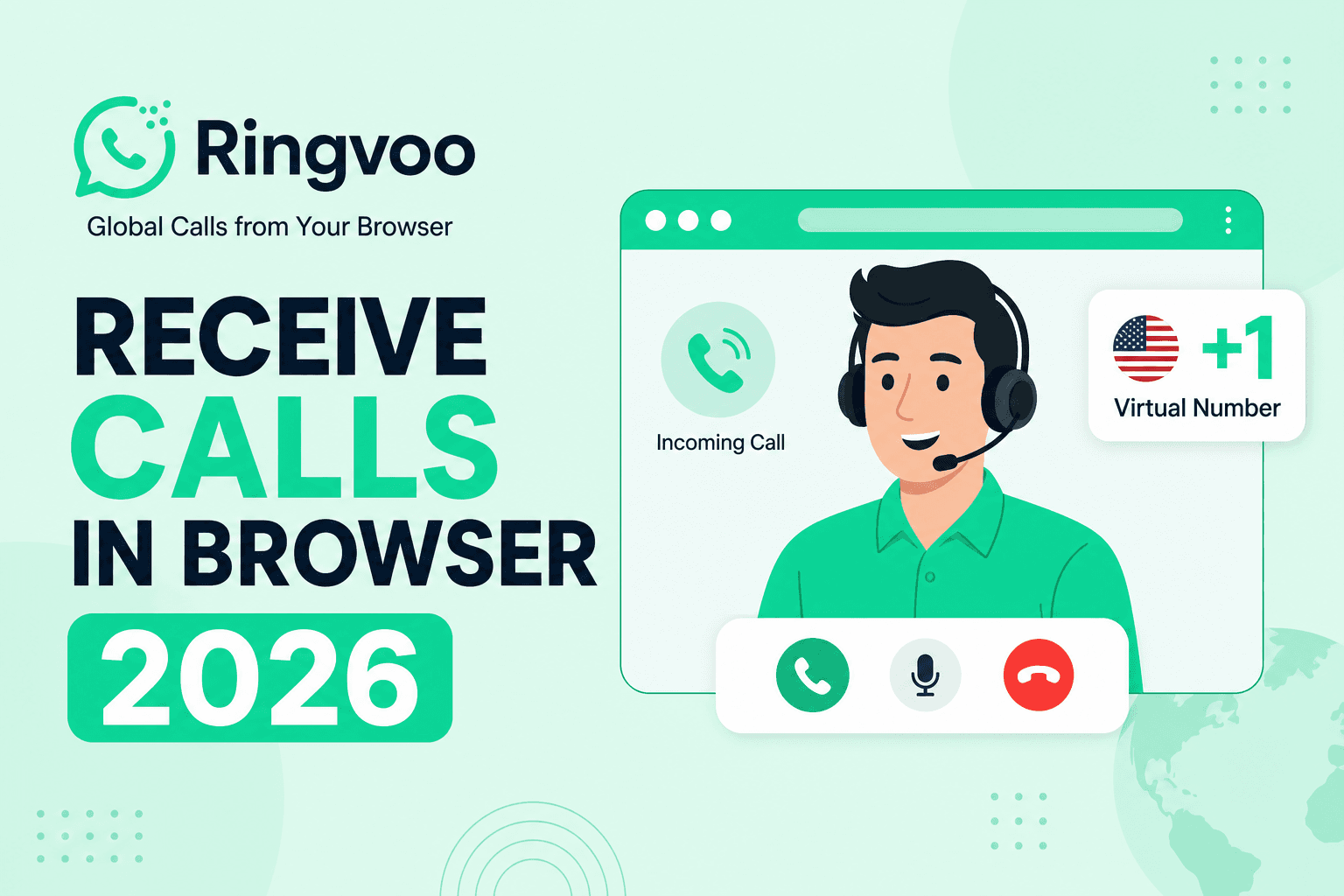
Most international calling guides focus on outbound dial-out — but freelancers, remote workers, and expats also need to receive calls in a browser when clients, banks, or employers call a local number in another country. A virtual phone number routed to WebRTC lets you answer PSTN calls in Chrome or Safari without a second SIM, without forwarding to expensive roaming, and without missing opportunities because you only have a foreign mobile.
Ringvoo supports virtual numbers plus browser inbound calling alongside outbound dial-out. This guide explains how inbound browser calling works, setup steps, business use cases, and how it compares to forwarding calls to your mobile abroad.
Key Takeaways
- Receive calls in browser by purchasing a virtual number and assigning it to your Ringvoo account — callers dial a normal local number; you answer in your web tab.
- No second SIM or physical phone line required — ideal for digital nomads and cross-border freelancers.
- Inbound + outbound in one platform — same wallet, same browser dialer, same contact list.
- Start with our virtual phone number guide for number types and pricing context.
- Browse available numbers: virtual numbers.
Inbound vs Outbound Browser Calling
Outbound: You dial any international number from browser — pay per minute for termination.
Inbound: Someone dials your virtual number (+1, +44, etc.) — call routes to your logged-in browser session (or configured fallback).
Both use WebRTC audio in the browser. Inbound requires owning a virtual number on the platform; outbound only requires credits.
Learn technology basics: what is browser calling.
How Virtual Numbers Route to Your Browser
-
You purchase a virtual number in a supported country/region through Ringvoo virtual numbers.
-
Number provisioning assigns the DID (Direct Inward Dial) to your account.
-
When a PSTN caller dials your number, carrier networks route the call to Ringvoo's telephony infrastructure.
-
Ringvoo signals your browser (if logged in and online) via WebRTC — you hear ring tone in the tab.
-
You click answer — two-way audio flows like any VoIP call.
-
Billing follows platform rules for inbound minutes (may differ from outbound — check current pricing).
If browser is offline, configure voicemail or forwarding per product settings.
Setup Steps (Buy Number → Assign → Answer)
Step 1: Create Ringvoo account if you do not have one.
Step 2: Navigate to virtual numbers and select country/area code matching your professional or personal need (US for global clients, UK for British employers, etc.).
Step 3: Complete purchase and assign number to your profile.
Step 4: Keep Ringvoo tab open (or enable notifications) when expecting calls — grant microphone permission.
Step 5: Test by calling your new number from another phone.
Step 6: Share the number on LinkedIn, email signature, or forms — callers use normal local dialing; no special app.
Pair with outbound calling for full replacement of a traditional second line.
Receive calls in browser with Ringvoo
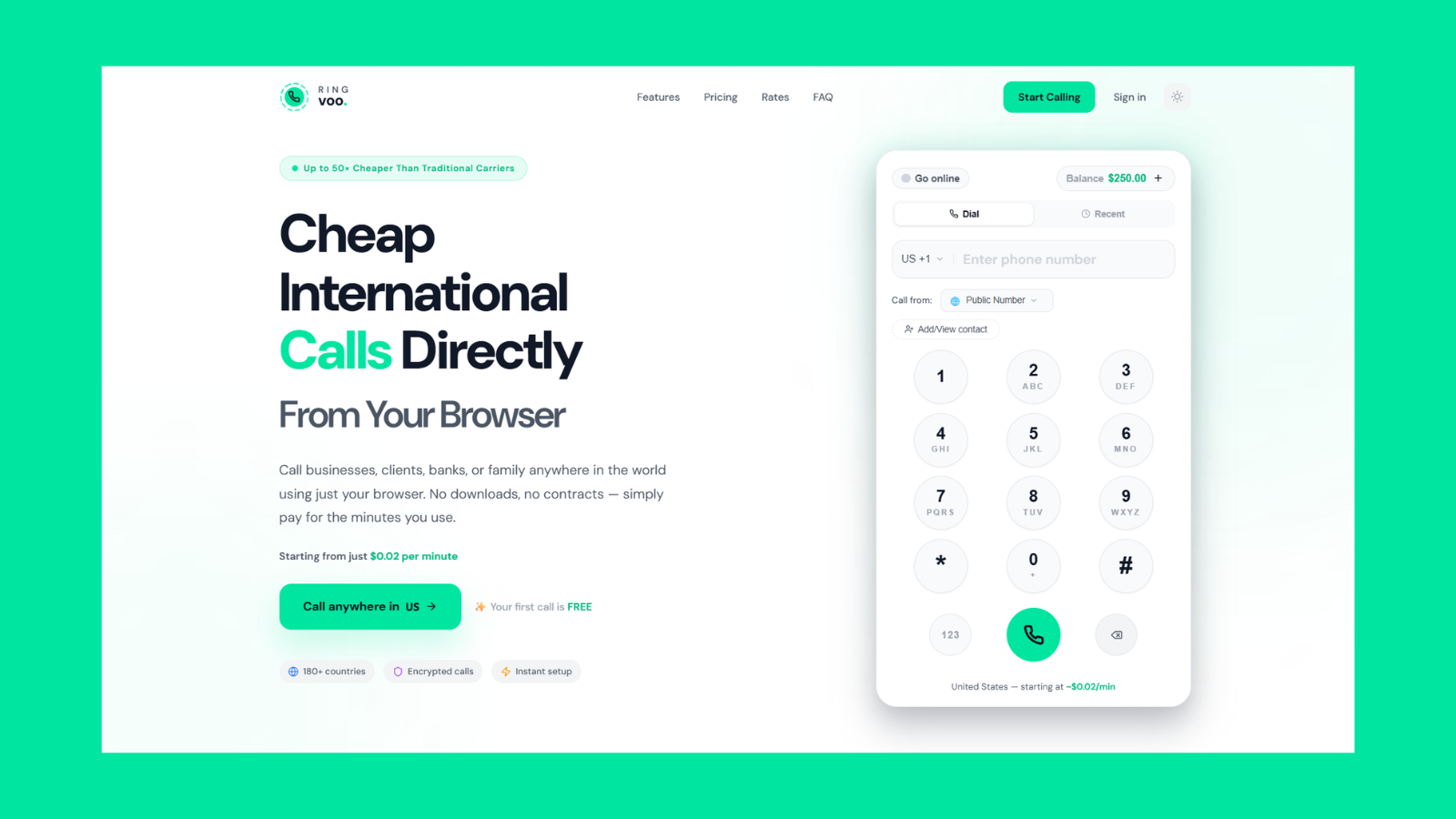
Get a virtual number and receive calls in your browser anywhere you have Wi-Fi. Clients dial local; you answer in Chrome or Safari — combine with outbound rates in one account.
Try Ringvoo free — call from your browser · View virtual numbers
Business Use Cases — Freelancers, Remote Teams
US client callbacks: Freelancer in Bali presents +1 number; US client calls without international hesitation; freelancer answers in browser during business hours.
UK job search from UAE: Candidate lists +44 mobile on CV; recruiters call normally; candidate answers without UK SIM.
Support side hustle: Small business owner routes support line to browser during published hours.
Privacy separation: Personal mobile stays private; business inbound on virtual number in browser.
Enterprise scale: explore Ringvoo enterprise for team features.
Browser Receive vs Call Forwarding to Mobile
| Approach | Pros | Cons |
|---|---|---|
| Browser receive | No roaming on answer; works on laptop | Requires internet + logged-in session |
| Forward to foreign mobile | Always reachable | Inbound roaming fees; SIM juggling |
| Forward to home country mobile | Familiar | International forward chains; delay |
| Voicemail only | Async | Misses live opportunities |
For international lifestyles, browser receive eliminates inbound roaming surprises.
Compare outbound apps: best international calling apps.
Tips for Reliable Inbound Browser Calling
- Stable internet: Wired ethernet or strong Wi-Fi — inbound quality matches outbound requirements.
- Keep session active: Browser tab open or PWA home-screen shortcut on phone.
- Headset with mic: Professional audio for client calls.
- Time zone clarity: Publish availability in your virtual number's local time zone.
- Regulatory compliance: Some countries restrict virtual number use — verify terms for your use case.
Combining Inbound and Outbound
One Ringvoo account handles both directions:
- Outbound to call banks, family, clients abroad — international calls without a SIM
- Inbound on virtual number for callbacks
Unified wallet simplifies accounting vs juggling multiple providers.
Frequently Asked Questions
Can I receive phone calls in my browser?
Yes — with a virtual number assigned to a WebRTC-capable platform like Ringvoo.
Do callers need an app to reach my browser number?
No — they dial a standard phone number normally.
How much does a virtual number cost?
Pricing varies by country — see virtual numbers for current rates.
Can I receive calls on mobile browser?
Yes — iPhone Safari and Android Chrome support WebRTC inbound when logged in.
What if I am offline?
Configure voicemail or forwarding per Ringvoo settings; exact options depend on product tier.
Is receiving calls in browser secure?
WebRTC uses encrypted transport; choose reputable providers with clear privacy terms.
Can I port my existing number for browser receive?
Porting availability varies — check Ringvoo support for supported countries.
Get a Virtual Number and Answer in Browser
Receive calls in browser to stay reachable on a local number anywhere you work or travel. Ringvoo unifies virtual numbers, inbound WebRTC, and outbound PSTN — no second SIM, no roaming answer fees.
Read the virtual phone number guide, browse virtual numbers, and create your account.