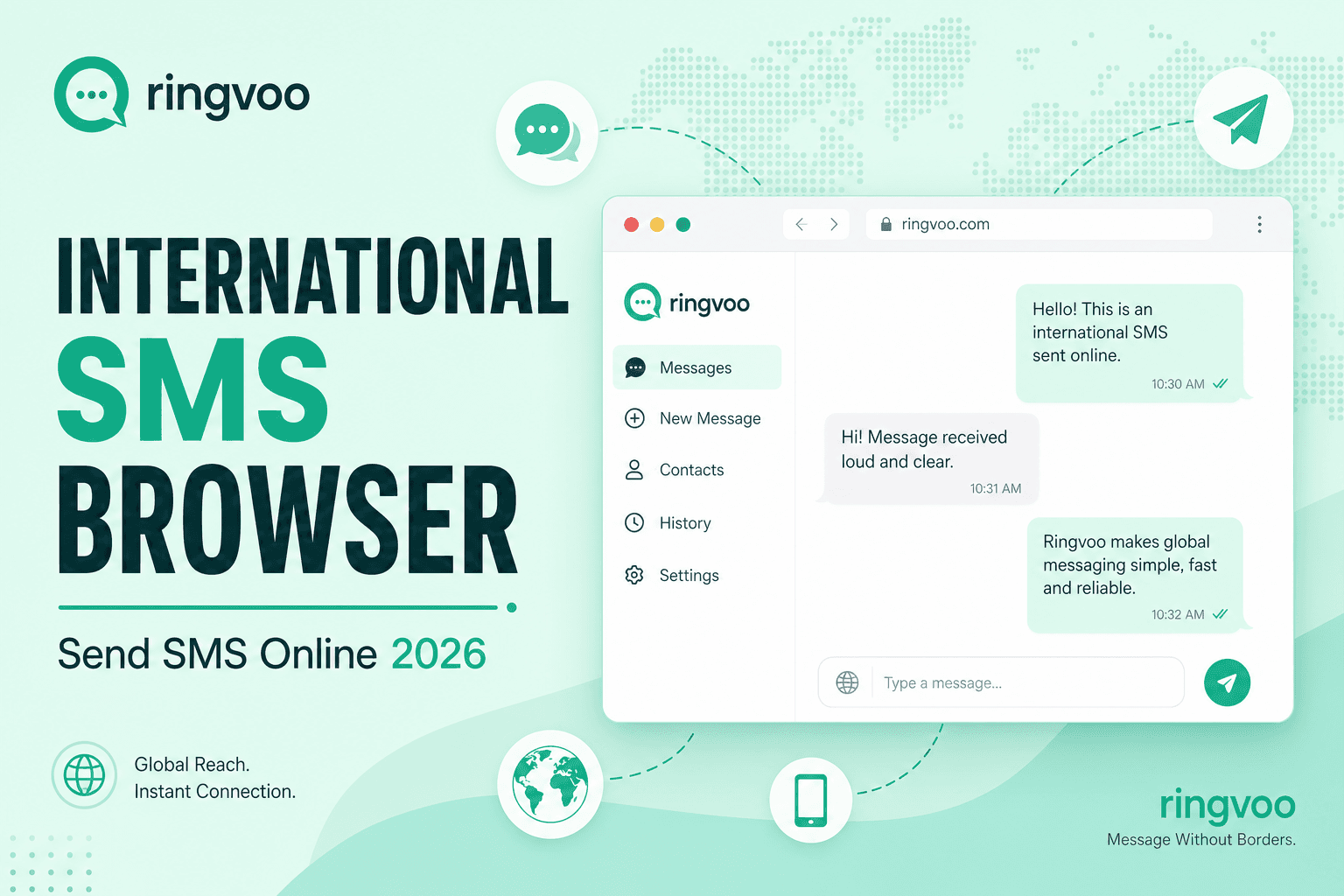
You need to send international SMS online — a two-factor code forwarded to a US line, a quick text to a client who does not use WhatsApp, or an appointment confirmation to a North American mobile while you work from Europe without swapping SIM cards. Carrier roaming SMS is slow, expensive, and tied to a phone you may not want cluttering your travel setup. Dedicated SMS APIs exist for developers, but individual professionals and small teams often want something simpler: a browser inbox that behaves like a phone for text and voice together.
Ringvoo combines browser-based international voice calling with SMS messaging on US and Canada virtual numbers purchased through the platform — send and receive texts in your Messages inbox without installing a native app. This guide explains when browser SMS fits, how Ringvoo SMS works today, how it pairs with PSTN voice for complete remote communication, and where SMS alone is not the right tool.
Key Takeaways
- Ringvoo SMS is available on US and Canada virtual numbers you purchase in the platform — send and receive in your browser Messages inbox.
- Browser SMS plus voice covers verification texts, quick client pings, and follow-up calls to the same contact without a physical SIM.
- International SMS beyond +1 has carrier and regulatory limits — voice PSTN often succeeds where global SMS gateways fail.
- You do not need a local SIM for outbound browser voice — pair SMS on a virtual line with Ringvoo calling for full reach.
- Inbound setup: how to receive calls in your browser and virtual phone number guide.
Why "Send International SMS Online" Is Harder Than It Sounds
SMS was designed for mobile networks in single countries — not for expats sending global texts from a laptop. Several constraints explain why many "international SMS websites" disappoint:
Country-specific routing: Deliverability varies by destination carrier. A text to a US mobile follows different paths than SMS to India, Brazil, or UAE — each with filtering, spam scoring, and regulatory rules.
Sender ID requirements: Some countries require registered alphanumeric sender IDs or block foreign-originated SMS entirely.
Two-way expectations: One-way blast tools fail when the recipient replies and you never see the response.
Verification use cases: Banks and services often block SMS from virtual or VoIP ranges — always confirm your number type works before relying on it for 2FA.
No PSTN fallback: Pure SMS tools cannot call the support line when a text bounces or a client asks for a voice conversation five minutes later.
Ringvoo's approach is honest about scope: SMS on purchased US and Canada numbers in browser, plus international voice PSTN to mobile and landline worldwide — one account for text when it works and voice when it must.
How Ringvoo Browser SMS Works
Ringvoo SMS runs on virtual phone numbers you buy for US or Canada (+1). After provisioning:
- Log into Ringvoo from any modern browser.
- Open your Messages inbox in the dashboard.
- Send SMS to eligible US and Canada destinations from your virtual line.
- Receive inbound texts to the same number — replies appear in the inbox alongside your history.
Capabilities align with standard carrier SMS on those numbers — useful for:
- Client coordination when email is too slow and the client expects texts
- Receiving verification codes sent to your US virtual line while abroad
- Short operational updates to North American teammates or vendors
- Follow-up after a browser voice call to the same contact
SMS billing uses wallet credits with segment-based pricing shown before send — similar transparency to voice rates.
Current scope: SMS is available on a trial basis for US and Canada numbers purchased from Ringvoo. Global SMS to every country from a web form is not what Ringvoo promises — for destinations outside supported SMS corridors, use browser voice to reach the mobile directly.
When Browser SMS Beats Apps and Roaming
| Scenario | WhatsApp / Telegram | Roaming SMS on home SIM | Ringvoo browser SMS (+1 line) |
|---|---|---|---|
| Text US client who avoids apps | No — they want SMS | Expensive, SIM required | Yes, from virtual +1 |
| Receive US 2FA to your line | No | Roaming receive fees | Yes, if service accepts virtual |
| Text EU colleague | Free if same app | Costly | Use app or voice instead |
| Confirm appointment by text then call | Partial | Costly | SMS then PSTN voice same account |
| Reach non-smartphone contact | No | Possible but costly | Voice PSTN required |
For Wi-Fi-only workflows without any SIM, read international calls without a SIM.
Pairing SMS With Browser Voice — The Complete Stack
Remote workers rarely need SMS alone. The productive pattern is one Ringvoo account with:
Virtual +1 number for SMS and inbound voice to North America
Browser dialer for international PSTN to any mobile or landline worldwide
Messages inbox for text threads that stay tied to your business line
Example workflow:
- Receive client SMS asking for a call back on your US virtual number.
- Reply in browser confirming availability.
- Client calls your virtual line — answer in browser per receive calls in browser.
- Or you dial their mobile internationally from the same dashboard for a outbound follow-up.
This beats juggling a roaming SIM, a separate SMS API account, and a third voice app — especially when you travel or work from co-working spaces.
Understand voice technology in what is browser calling.
Setting Up Browser SMS and Voice Step by Step
- Create Ringvoo account at login.
- Purchase a US or Canada virtual number with SMS capability — browse virtual numbers.
- Load wallet credits for SMS segments and voice minutes — check rates for voice destinations you call often.
- Test inbound SMS — send yourself a text from your personal mobile to confirm delivery.
- Test outbound SMS — send a short message to a US or Canada contact; confirm segment count and cost.
- Save E.164 contacts — use country codes reference when mixing international voice numbers with your +1 SMS line.
- Verify 2FA compatibility — before relying on virtual SMS for banking, send a test code from a low-risk service.
If SMS verification fails for a specific institution, fall back to authenticator apps, email OTP, or voice call verification — then use Ringvoo PSTN for the support line itself.
Send international SMS online with Ringvoo
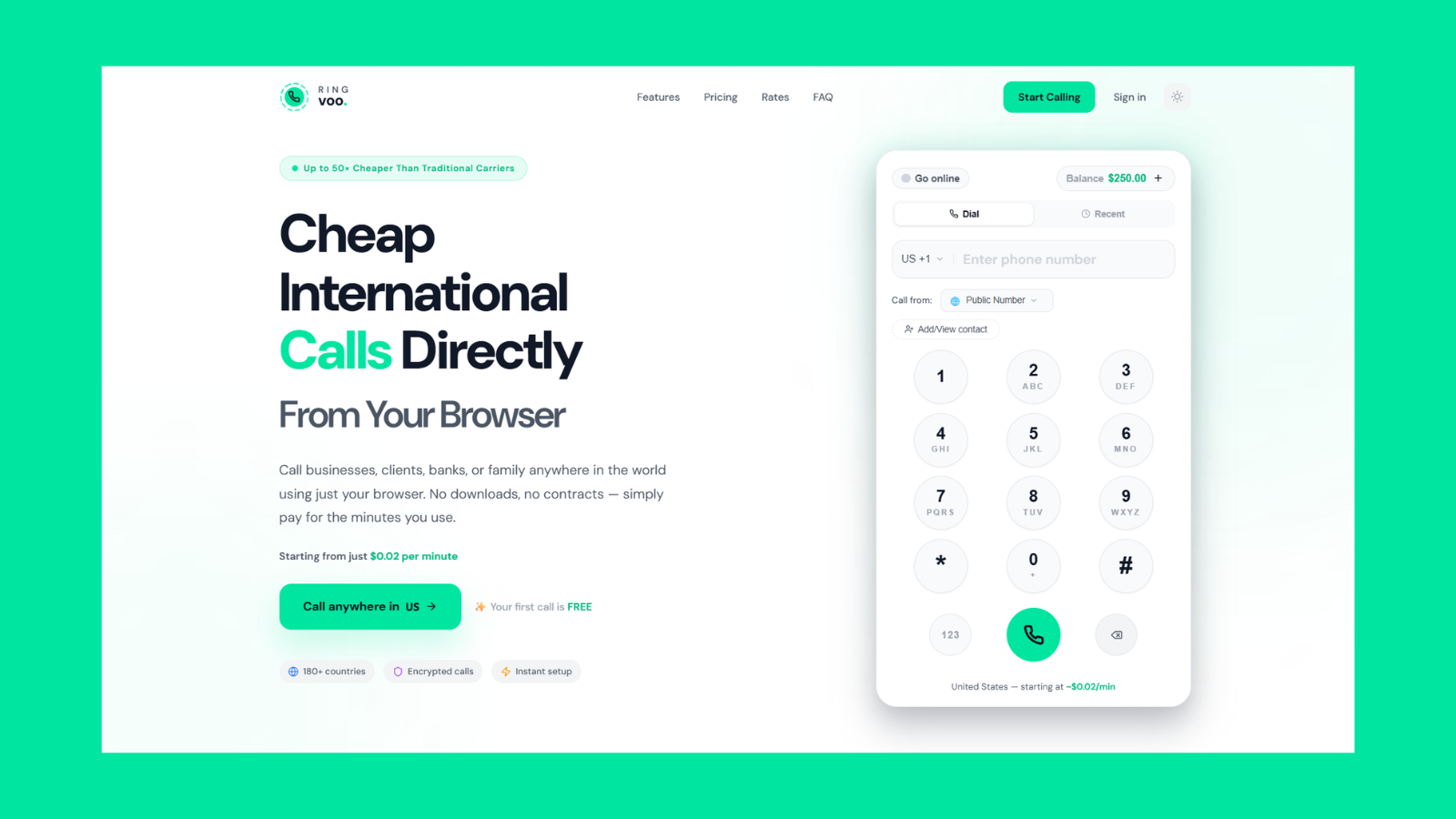
Ringvoo unifies browser SMS on +1 virtual numbers with international voice PSTN — text North American contacts, receive verification messages, and dial any phone worldwide from the same account.
Try Ringvoo free — sign up in your browser · View rates
Limitations and Honest Alternatives
SMS destination scope: Ringvoo SMS targets US and Canada numbers from your purchased +1 line — not a global "text any country" blast service. For other regions, browser voice usually reaches mobile directly at transparent per-minute cost.
Verification acceptance: Some services block virtual or VoIP SMS ranges. Test before travel; maintain backup 2FA methods.
MMS and group texts: Confirm current platform support in your dashboard — business SMS is often one-to-one text.
Regulatory compliance: Marketing SMS in the US requires TCPA consent and opt-out handling — this guide focuses on operational and personal business use, not bulk campaigns.
Emergency services: SMS and VoIP are not substitutes for local emergency numbers — keep cellular access where required.
When text fails, voice often succeeds — especially for banks, airlines, and government lines documented in guides like call customer support abroad.
Cost and Security Tips
Segment counting: Long messages split into multiple billable segments — keep operational texts concise.
Wallet balance: Maintain credits for both SMS and unexpected voice follow-ups on the same balance.
Inbox hygiene: Your Messages inbox may contain verification codes — enable two-factor authentication on Ringvoo itself and lock your laptop session.
Public Wi-Fi: Browser SMS does not expose SMS content to the café network beyond normal HTTPS session security — still avoid shoulder surfing on verification codes.
Number porting: If you later need a specific area code for client trust, select accordingly at purchase — see virtual phone number guide.
Frequently Asked Questions
Can I send international SMS online without a phone?
Yes for US and Canada destinations from a Ringvoo +1 virtual number in your browser. For other countries, use browser voice PSTN to reach mobiles directly.
Does Ringvoo support global SMS to every country?
No — SMS is focused on US and Canada numbers you purchase on the platform. International reach for other corridors is primarily via voice calling.
Can I receive SMS verification codes in the browser?
Often yes for US and Canada services that accept virtual numbers — test with each institution before relying on it for critical 2FA.
Do I need a separate app for Ringvoo SMS?
No — send and receive in the web dashboard Messages inbox alongside voice calling.
How is this different from WhatsApp?
WhatsApp requires both parties on the app and uses data, not carrier SMS. Ringvoo SMS delivers standard text messages to ordinary mobile numbers in supported +1 corridors.
Can I call someone after texting them?
Yes — same account, same browser session. Dial their mobile or landline internationally from the Ringvoo dialer.
What does SMS cost compared to voice?
SMS is priced per segment from wallet credits; voice is per-minute by destination. Check your dashboard before sending or calling.
Is browser SMS legal while traveling?
Personal and business SMS from a legitimately provisioned virtual number is widely permitted; marketing messages face stricter rules. Voice and SMS regulations vary by country for long-term residency — verify local rules for extended stays.
Text and Call From One Browser Tab
Send international SMS online without a SIM swap when your contacts and verification flows run through US or Canada numbers — and use the same Ringvoo account to call anywhere when SMS is not enough. Browser messaging plus PSTN voice gives remote workers and travelers a practical stack without roaming SMS fees or developer-only APIs.
Purchase a virtual number, load credits, test your inbox, and bookmark login before your next trip. For inbound voice to match your SMS line, read receive calls in browser; for number strategy, see virtual phone number guide.