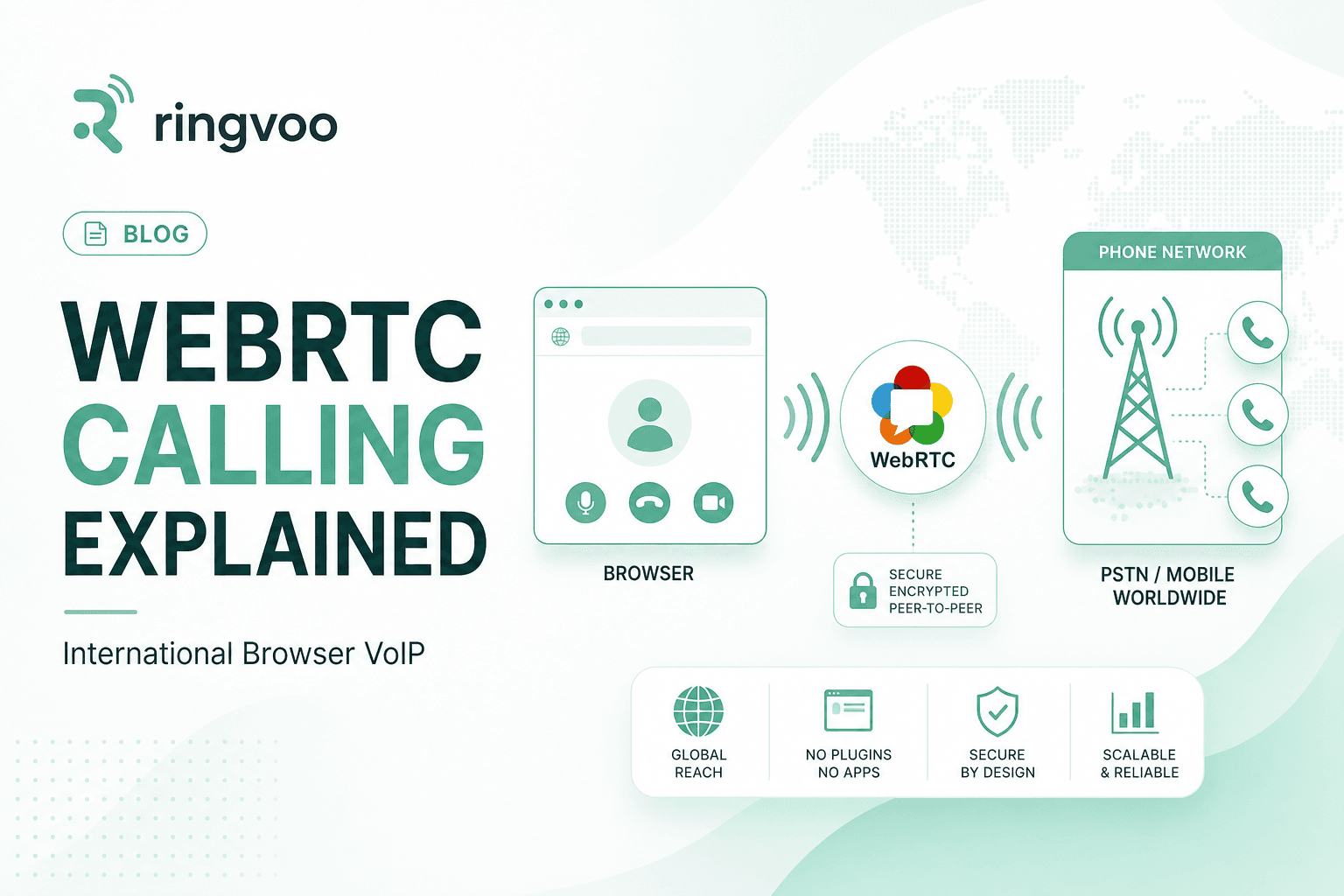
WebRTC international calling is the technology stack that lets you dial a real phone number in Mumbai, London, or Lagos from a Chrome tab — without installing Skype, without routing through your mobile carrier's international tariff, and without asking the person on the other end to download anything. WebRTC (Web Real-Time Communication) is an open web standard that captures your microphone audio, encrypts it, and streams it across the internet to a VoIP provider's servers, which then bridge that audio onto the public telephone network (PSTN).
If you have used Google Meet in a browser, you already depend on WebRTC for live audio. Ringvoo applies the same underlying protocol to international PSTN calling — pay-as-you-go, browser-native, and reachable from any country with a stable internet connection. This guide explains how WebRTC works for phone calls, why it matters for expats and remote workers, and how it compares to legacy VoIP clients.
Key Takeaways
- WebRTC is a browser standard — Chrome, Safari, Firefox, and Edge can capture and transmit voice without a native app install.
- International calls require PSTN termination — WebRTC alone connects browsers to servers; a VoIP provider like Ringvoo connects servers to carrier networks worldwide.
- Encrypted transport (DTLS/SRTP) protects audio between your browser and the VoIP platform's infrastructure.
- WebRTC calling beats carrier roaming on cost for most international corridors — check live rates before long calls.
- Start with the basics: what is browser calling and Skype vs browser calling.
What WebRTC Is — and What It Is Not
WebRTC is a set of JavaScript APIs and network protocols built into modern browsers. It handles three jobs that matter for voice calling:
Media capture: Accessing your microphone (and optionally speakers or headset) through the browser's permission model.
Encoding and transport: Compressing audio with efficient codecs like Opus and sending packets over UDP with adaptive bitrate.
Session negotiation: Using ICE, STUN, and TURN servers to find the best network path between your device and the remote endpoint.
What WebRTC is not: a phone company, a billing system, or a direct connection to every mobile tower on earth. Your browser cannot dial +919876543210 by WebRTC alone. Something must translate browser audio into a standard telecom call — that is the VoIP provider's job.
Think of WebRTC as the first mile (your laptop to the cloud) and PSTN termination as the last mile (the cloud to the recipient's Jio mobile or BT landline). Ringvoo sits in the middle, authenticating your account, metering minutes, and routing through wholesale carrier interconnects.
The WebRTC International Calling Pipeline
Here is the full path when you place an international call through a browser dialer:
Microphone → Browser WebRTC → VoIP signaling server → Media gateway → Carrier interconnect → Recipient PSTN phone
Step 1: Signaling and authentication
When you open Ringvoo and enter a number, the platform's signaling server validates your session, checks credit balance against destination rates, and initiates call setup. This happens over HTTPS — separate from the audio stream.
Step 2: WebRTC media session
Your browser negotiates a peer connection with Ringvoo's media servers. Audio flows as encrypted SRTP packets. If you are on restrictive Wi-Fi, TURN relay servers may carry traffic when direct UDP is blocked — common in hotels and corporate networks.
Step 3: Transcoding and PSTN handoff
The media gateway converts WebRTC audio into the formats carrier networks expect (often G.711 for PSTN legs). The platform selects a termination route based on destination country and number type (mobile vs landline).
Step 4: Ringing and billing
The recipient's phone rings normally. They see an incoming call — not a browser link or app notification. Duration is metered; your wallet debits per minute according to published pricing.
This pipeline is why browser calling feels like using a phone even though you never left a website tab.
WebRTC Codecs, Latency, and Call Quality
Voice quality on WebRTC international calls depends on three factors: your internet connection, the codec chosen, and the PSTN leg quality.
Opus is the default WebRTC voice codec — efficient at low bitrates and resilient to packet loss. Most users need roughly 30–100 kbps upstream for clear mono voice; a stable home Wi-Fi connection is more than sufficient.
Latency accumulates across each hop. Browser to VoIP server adds 20–80 ms on a good connection. PSTN international signaling adds another 100–300 ms depending on corridor. Total one-way delay under 300 ms feels natural; above 500 ms, conversations feel sluggish.
Packet loss above 2–3% causes choppy audio. Wired Ethernet or strong Wi-Fi beats congested mobile data during peak hours. If one party hears silence, check microphone permissions and try a different network before blaming the destination country.
Echo cancellation is built into WebRTC stacks. Using a headset eliminates most residual echo on long international calls.
WebRTC vs Legacy VoIP Apps (Skype, Softphones)
Before WebRTC matured, international callers relied on downloadable clients — Skype desktop, X-Lite, Zoiper — that bundled proprietary signaling and media stacks. WebRTC replaces that install step with browser-native APIs.
| Factor | WebRTC browser dialer | Legacy VoIP app |
|---|---|---|
| Install required | No | Yes — desktop or mobile app |
| Updates | Automatic with browser | Manual or background app updates |
| Cross-device access | Any browser, any OS | Often platform-locked |
| PSTN reach | Via provider (Ringvoo) | Via provider (Skype credit, etc.) |
| Account friction | Email signup | Microsoft/Skype account legacy |
Skype historically used a hybrid stack; modern browser platforms skip the client entirely. As Skype consumer winds down, WebRTC-first services inherit the use case without the desktop baggage. Read Skype vs browser calling for a direct comparison.
Security and Privacy in WebRTC Calling
WebRTC mandates encryption in transit between browser and the VoIP platform:
DTLS secures the key exchange for the media channel.
SRTP encrypts actual audio packets.
This protects against casual eavesdropping on your local network segment and the internet path to the provider. Once audio enters PSTN beyond the provider's gateway, it follows standard telecom routing — same as any international call from a mobile phone.
Practical security tips:
- Use HTTPS-only dialer sites — never enter credentials on HTTP.
- Enable two-factor authentication on your VoIP account.
- Avoid public Wi-Fi for sensitive banking calls unless your employer requires VPN.
- Verify provider privacy policy — Ringvoo focuses on billing and call routing, not monetizing contact graphs.
WebRTC international calling is legal for personal use in most jurisdictions. Some countries restrict VoIP for residents — verify local rules if you are on a long-term visa or local SIM plan.
Try WebRTC calling with Ringvoo
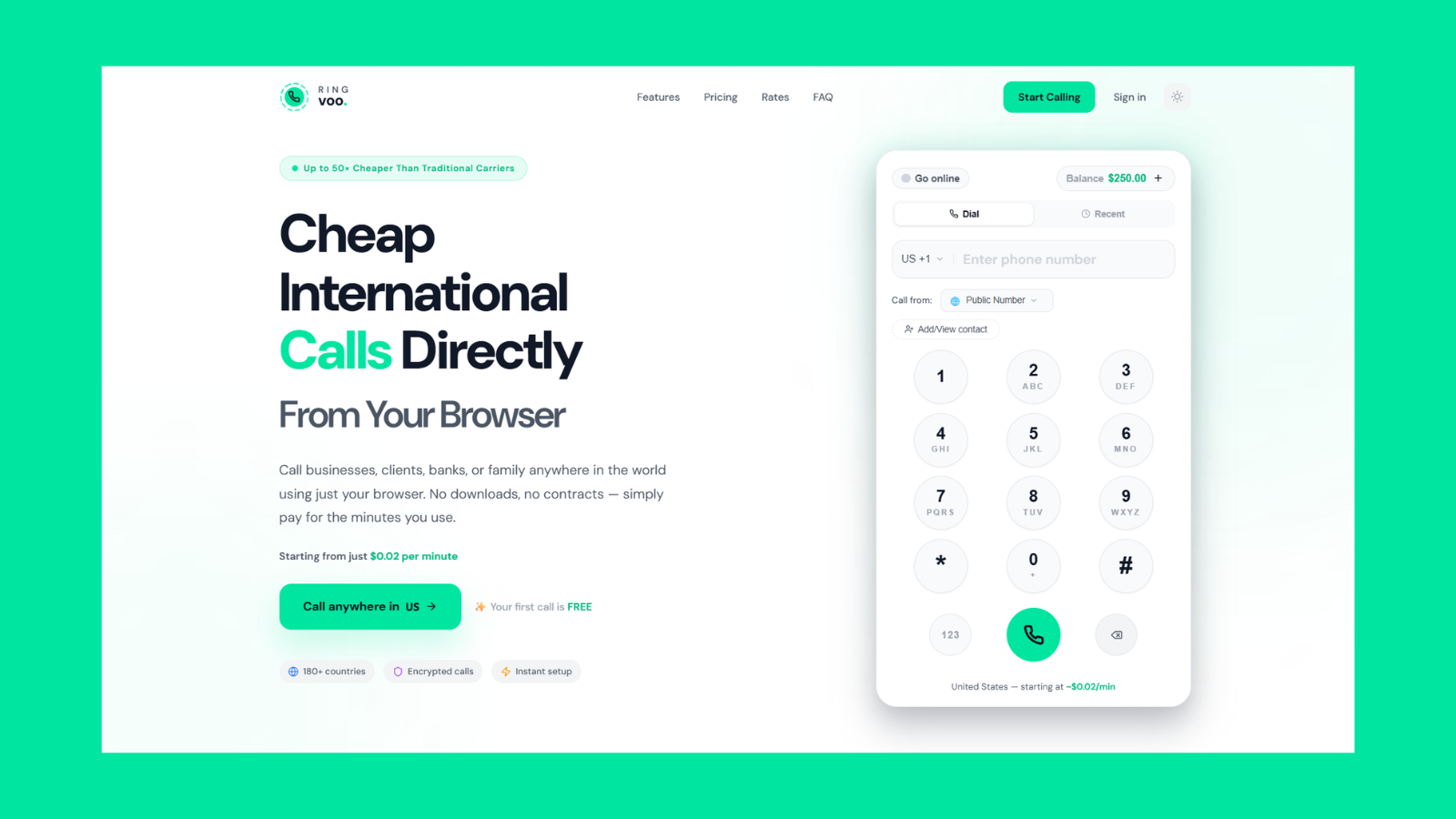
Ringvoo is built on WebRTC from the ground up. Open Chrome or Safari, log in, enter any international number in E.164 format, and call over Wi-Fi — no download, no Skype credit, no carrier international plan required.
Try Ringvoo free — call from your browser · View international rates
When WebRTC International Calling Works Best
Expats on Wi-Fi: Daily calls home to India, Pakistan, Nigeria, or the Philippines from a Dubai or London apartment — cheaper than BT or EE per-minute rates.
Travelers without local SIM: Hotel or café Wi-Fi plus browser dialer — see international calls without a SIM.
Remote workers: Client calls to geographic landlines where free apps fail.
Long hold times: HMRC, IRS, bank IVR queues — pay-as-you-go VoIP beats stacking carrier minutes.
Multi-device workflows: Start a call on laptop, continue on phone browser without syncing a native app.
WebRTC Limitations You Should Know
Internet dependency: No connectivity means no call — unlike cellular fallback.
Corporate firewalls: Some office networks block UDP or WebRTC entirely. Mobile hotspot usually bypasses this.
Emergency services: WebRTC VoIP is not a substitute for local emergency numbers (999, 911, 112). Use native cellular for emergencies.
Browser compatibility: Internet Explorer and very old Android WebViews lack WebRTC — use current Chrome, Safari, Firefox, or Edge.
Inbound calls: Outbound WebRTC calling is straightforward; receiving calls requires a virtual number assigned to your account — covered in our virtual phone number guide.
Setting Up WebRTC International Calls in 5 Minutes
- Create account at ringvoo.com/login — email signup, no phone verification required to start.
- Add credit via secure checkout — credits do not expire.
- Open dialer in a modern browser on laptop or phone.
- Allow microphone when prompted — one-time permission per browser.
- Dial in E.164 format — e.g.
+447700900123for UK mobile,+919876543210for India mobile. - Bookmark the dialer or add to home screen for quick access.
For cost optimization across destinations, read cheapest way to call abroad in 2026.
Frequently Asked Questions
What is WebRTC international calling?
Using the WebRTC browser standard to capture voice audio and route it through a VoIP provider to real phone numbers worldwide — mobiles and landlines on the PSTN.
Do I need to install software for WebRTC calls?
No. Modern browsers include WebRTC natively. Open the dialer website, grant microphone access, and call.
Is WebRTC the same as WhatsApp calling?
No. WhatsApp uses proprietary protocols for app-to-app calls. WebRTC in services like Ringvoo terminates on regular phone numbers — the recipient does not need any app.
How is WebRTC different from Skype?
Skype required a dedicated client and Microsoft account. WebRTC browser dialers work without install. Skype consumer is also winding down — browser VoIP is the natural replacement.
Is WebRTC calling encrypted?
Yes — between your browser and the VoIP provider's servers via DTLS/SRTP. PSTN legs beyond the provider follow standard telecom paths.
Why does my WebRTC call have one-way audio?
Usually microphone permissions, firewall blocking UDP, or congested Wi-Fi. Try headset, refresh session, or switch to mobile hotspot.
Can WebRTC call any country?
Coverage depends on the VoIP provider's carrier agreements. Ringvoo supports 180+ destinations — check rates for your corridor.
Does WebRTC work on iPhone Safari?
Yes. Safari on iOS supports WebRTC for voice. Add Ringvoo to your home screen for app-like access.
WebRTC Is the Engine Behind Modern International Calling
WebRTC international calling removed the last technical barrier to app-free global voice. The standard handles capture, encryption, and transport; a browser-first VoIP platform like Ringvoo handles PSTN termination, billing, and carrier routing. Together they deliver what Skype promised — call any phone from any device — without a desktop client or expiring credit bundles.
Understand the foundation with what is browser calling, compare approaches in Skype vs browser calling, check live rates, and create your free account to place your first WebRTC call in minutes.