When you research secure international calling, you are usually asking two questions at once: will strangers intercept my voice, and can I trust the provider with my payment data and call metadata? Expats calling home banks, remote workers dialing client lines, and travelers on hotel Wi-Fi all need PSTN reach without sacrificing basic privacy hygiene — yet most comparison articles focus on price alone and ignore encryption, account security, and network risk.
Ringvoo delivers browser-based international calling over encrypted WebRTC sessions with transparent billing and no social graph harvesting. This guide explains how secure international VoIP works end to end, what WebRTC encrypts (and what it does not), Wi-Fi and VPN considerations, provider red flags, account hardening steps, and practical rules for calling sensitive numbers from abroad.
Key Takeaways
- Secure international calling starts with HTTPS login, encrypted WebRTC transport (DTLS/SRTP), and a provider with clear privacy policies — not obscure app store dialers.
- WebRTC encrypts browser-to-server audio; PSTN legs beyond the VoIP provider follow standard telecom paths like any phone call.
- Public Wi-Fi demands extra caution for account login and payment — prefer trusted networks or VPN when policy allows.
- Learn the stack: what is browser calling and WebRTC calling explained.
- Audio reliability complements security — see VoIP call quality tips for network hardening.
How Encryption Works in Browser International Calls
Modern browser VoIP uses WebRTC — the same foundation as Google Meet and Zoom in-browser sessions. When you place a call through Ringvoo:
Signaling (HTTPS). Login, dial commands, and billing events travel over TLS-encrypted HTTPS — the same protection as online banking websites.
Media (DTLS/SRTP). Voice packets between your browser and the VoIP provider's media servers use Datagram TLS and Secure RTP — encrypted and authenticated streams that resist casual eavesdropping on the local network segment.
PSTN handoff. Once audio reaches carrier interconnects toward the recipient's mobile or landline, it traverses the public telephone network under standard telecom regulations — comparable to any international phone call, encrypted or not, after it leaves the VoIP cloud.
Browser mic → SRTP encrypted → VoIP cloud → PSTN → Recipient phone
This model means secure international calling through reputable browser VoIP protects against coffee-shop Wi-Fi snooping on the internet leg — not against lawful intercept on the traditional phone network, which applies to all voice services.
| Layer | Encryption | Threat mitigated |
|---|---|---|
| Website login | TLS (HTTPS) | Credential theft on network |
| Call setup signaling | TLS | Session hijack on setup |
| Voice media (browser to cloud) | DTLS/SRTP | Local Wi-Fi packet capture |
| PSTN termination | Standard telecom | N/A — treat as normal phone call |
For protocol details, read WebRTC calling explained.
Wi-Fi, Mobile Data, and VPN: Network Security Basics
Your network path matters as much as provider encryption:
Trusted home and office Wi-Fi. Lowest friction for daily secure international calling — router WPA3/WPA2, firmware updates, and unique admin passwords reduce neighbor or IoT-device risk.
Public Wi-Fi (cafes, airports, hotels). Assume others share the broadcast domain. Encrypted WebRTC protects voice content on the media path; still use HTTPS-only sites, avoid reusing passwords, and consider VPN if corporate policy requires it for confidential discussions.
Mobile data (4G/5G). Generally safer than open Wi-Fi for authentication because cellular links encrypt air interface traffic — though account login still depends on HTTPS.
Corporate VPN. May add latency that affects voice quality. Some enterprises split-tunnel consumer VoIP; others block UDP — test before relying on browser calling for compliance-sensitive calls.
| Network type | Voice encryption to cloud | Login risk | Quality impact |
|---|---|---|---|
| Home Wi-Fi | Yes (WebRTC) | Low with HTTPS | Minimal |
| Public Wi-Fi | Yes (WebRTC) | Medium — use strong passwords | Variable |
| Mobile data | Yes (WebRTC) | Low | Minimal |
| Corporate VPN | Yes, plus VPN tunnel | Policy-dependent | Possible latency |
Cross-reference roaming vs browser calling for travel-specific network choices.
Choosing a Secure International Calling Provider
Red flags when evaluating VoIP platforms:
No HTTPS or invalid certificates. Never enter payment details on non-secure sites.
Opaque privacy policy. Providers should state what metadata they retain (call logs, IPs, billing records) and confirm they do not sell contact graphs.
Unrealistic "100% encrypted end-to-end" claims for PSTN calls. True E2E encryption requires both parties on the same encrypted app — PSTN termination cannot be E2E in the Signal sense.
Aggressive permission requests. Browser dialers need microphone access — not your entire contact book unrelated to service.
No clear rate disclosure. Security includes financial transparency — surprise billing erodes trust.
Ringvoo focuses on calling functionality: pay-as-you-go credits, published international rates, Stripe checkout, and browser-native dial-out without social features that harvest address books.
Compare established options in best international calling apps.
Account Security: Protecting Credits and Call History
Strong unique password. Use a password manager; do not reuse credentials from other sites.
Email account hygiene. Your login email is the recovery path — enable two-factor authentication on Gmail, Outlook, or iCloud.
Session discipline. Log out on shared family tablets and coworking desktops after calling sessions.
Payment method awareness. Stripe-processed checkout limits card exposure to PCI-compliant flows — avoid providers asking for direct wire transfers with no receipt trail.
Monitor credit balance. Unexpected depletion may indicate credential compromise — change password and contact support immediately.
Caller ID verification. Presenting a verified outbound number reduces social-engineering success when you call others — recipients trust recognized lines.
Make secure international calls from your browser
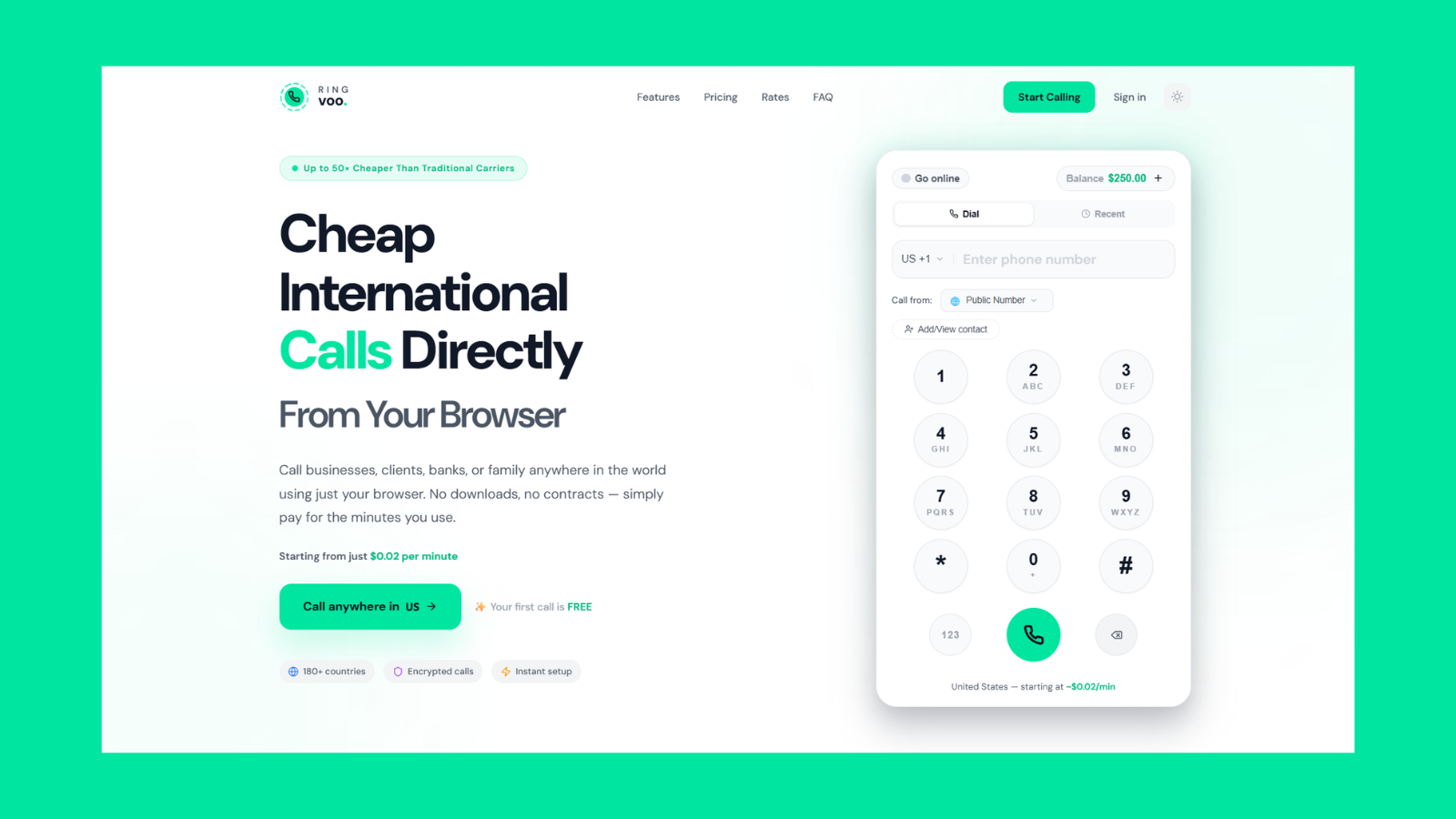
Place encrypted browser-to-cloud voice calls to PSTN numbers worldwide — transparent rates, no contact harvesting, credits that never expire. HTTPS login and SRTP media protection on every call.
Try Ringvoo free — call from your browser · View international rates
Sensitive Calls: Banks, Healthcare, and Government Lines
Secure international calling does not replace verifying you reached the legitimate institution:
Dial numbers from official sources. Type + numbers from bank cards, government PDFs, or official apps — not search-engine ads or callback numbers in unsolicited emails.
Avoid speakerphone in public. Shoulder surfing exposes PINs and account numbers regardless of encryption.
IVR PIN entry. DTMF tones may traverse PSTN inband — treat bank menu PIN entry like any phone call; use handset mode in crowded spaces.
Recording laws. Some jurisdictions require consent for call recording. Browser VoIP users recording manually must follow local two-party rules.
HIPAA and regulated industries. Consumer browser VoIP is not a HIPAA Business Associate replacement — healthcare organizations need enterprise compliance stacks with BAA agreements.
For reaching institutions abroad reliably, see call banks internationally and call government offices abroad.
Privacy Metadata: What Providers Typically Log
Even privacy-conscious VoIP services retain billing and operational metadata:
| Data type | Typical retention purpose |
|---|---|
| Call timestamps and duration | Billing and dispute resolution |
| Destination numbers | Rating and fraud prevention |
| Account IP at login | Abuse detection |
| Credit transactions | Financial records |
Ringvoo does not monetize call graphs for advertising. Minimize metadata exposure by avoiding unnecessary test calls to wrong numbers and clearing browser history on shared devices if policy requires.
Device and Browser Hardening Checklist
| Action | Why it matters |
|---|---|
| Keep iOS/iPadOS/Android updated | WebRTC security patches |
| Use current Chrome, Safari, Firefox | TLS and WebRTC improvements |
| Deny microphone to unknown sites | Prevents drive-by capture |
| Review browser extensions | Malicious extensions access page data |
| Disable auto-fill on shared PCs | Prevents credential leakage |
| Use wired headset on untrusted networks | Reduces acoustic leakage |
Audio quality and security overlap — unstable networks cause retries and reconnects that extend call exposure time. Optimize with VoIP call quality tips.
Legal and Regulatory Considerations by Region
Most countries permit personal secure international calling via licensed VoIP providers. Exceptions and gray areas exist:
VoIP blocking or licensing. Some Gulf and Asian markets restrict resident use of unlicensed VoIP for local termination — international outbound from expats is generally tolerated on Wi-Fi, but verify current local guidance.
Emergency services. Browser VoIP may not replace local emergency dialing (911, 999, 112). Keep a cellular line or know local emergency procedures.
Employer policies. Corporate devices may prohibit personal VoIP — respect MDM restrictions.
Consult international dialing codes guide and country codes reference when verifying destination formatting — misdials waste credits and may connect unintended recipients.
Frequently Asked Questions
Is browser international calling encrypted?
Yes, between your browser and the VoIP provider's infrastructure via WebRTC (DTLS/SRTP). PSTN segments toward the recipient follow standard telephone network paths.
Is WebRTC safer than Skype or WhatsApp for international calls?
WebRTC security is comparable among reputable providers. WhatsApp offers E2E for app-to-app calls only — not PSTN landlines. Skype uses encrypted client protocols. Choose based on PSTN reach, privacy policy, and billing transparency — not encryption alone.
Can someone on hotel Wi-Fi listen to my VoIP call?
Encrypted WebRTC media prevents casual Wi-Fi sniffing of voice content. Attackers could still observe that you placed a call (traffic analysis) or compromise your device with malware — use updated browsers and avoid suspicious captive portals.
Should I use a VPN for secure international calling?
VPN adds a tunnel for all traffic — helpful on untrusted Wi-Fi for login privacy. It may increase latency and jitter; test voice quality with and without VPN on your network.
Does Ringvoo sell my call data to advertisers?
Ringvoo's business model is pay-as-you-go calling — not advertising against contact graphs. Review the privacy policy for current retention details.
Are international browser calls legal from UAE, India, and Europe?
International outbound VoIP from expats and travelers on Wi-Fi is widely used; specific resident restrictions vary. Verify local regulations if you rely on VoIP as primary telephony.
How do I call securely without a local SIM?
Browser VoIP over Wi-Fi requires no SIM — see international calls without a SIM. Security depends on HTTPS provider choice and network hygiene, not cellular identity.
What is the safest way to call my bank from abroad?
Use the official number from your card or app, call from a private space, log in through Ringvoo on HTTPS, and never share OTP codes with anyone claiming to be bank staff on the same call thread.
Call Internationally with Confidence
Secure international calling in 2026 combines encrypted browser VoIP, trustworthy providers, strong account hygiene, and realistic expectations about PSTN limits. Ringvoo gives you HTTPS login, SRTP-protected voice to the cloud, transparent rates, and PSTN reach to banks, family landlines, and business numbers — without installing opaque dialer apps.
Check live international rates and create your free account. Build foundational knowledge with what is browser calling, WebRTC calling explained, and VoIP call quality tips.