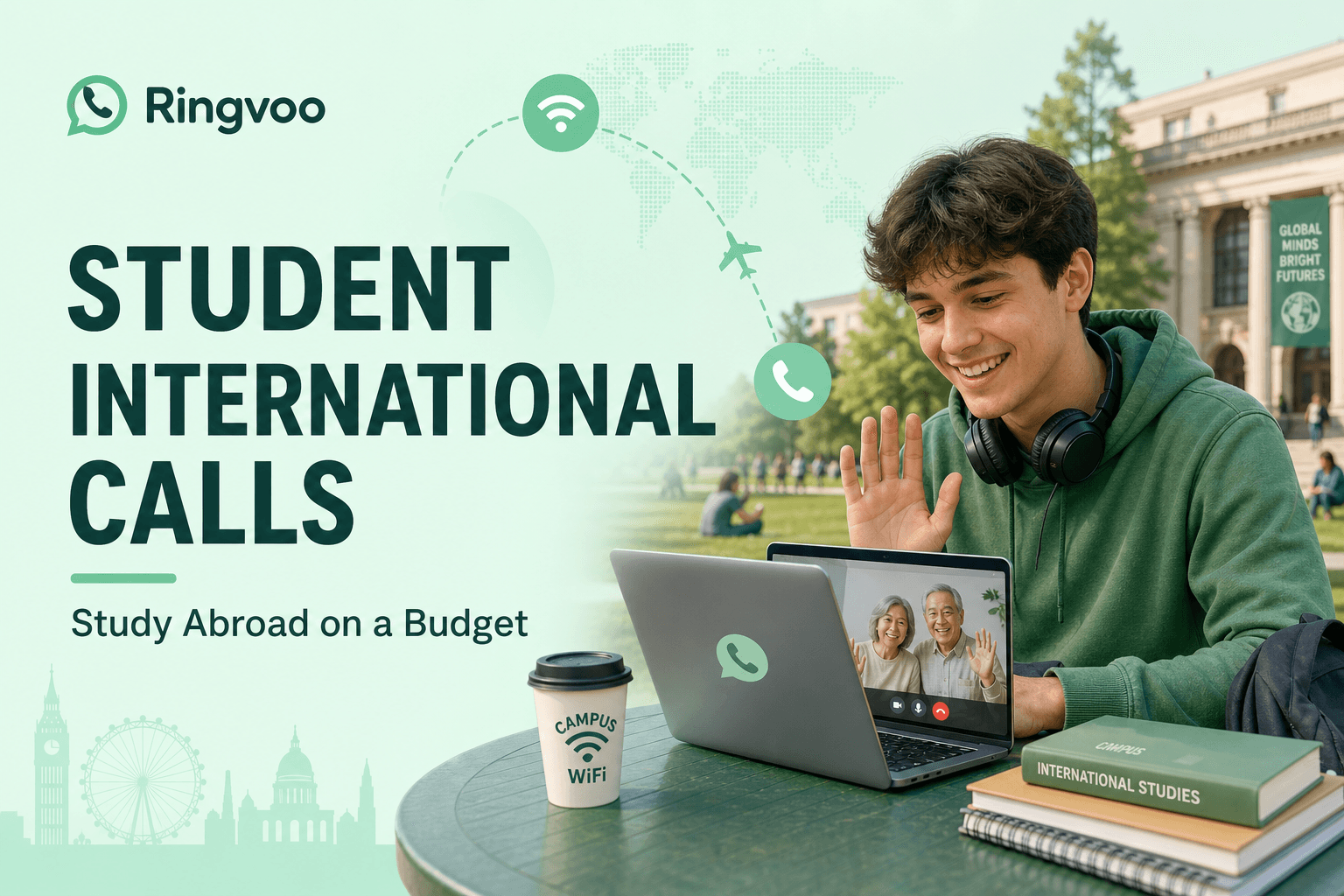
Student international calls cheap is not a luxury search — it is how you stay in touch with parents on landlines, call your home bank before a tuition wire clears, reach your embassy during paperwork season, and hear a familiar voice when homesickness hits during exam week. Study abroad programs hand you a campus Wi-Fi password long before they explain that carrier roaming can turn a fifteen-minute call home into the price of a textbook.
This guide compares realistic calling options for students overseas in 2026 — free apps, campus Wi-Fi VoIP, host-country SIMs, and pay-as-you-go browser calling through Ringvoo — so you talk to everyone who matters without draining your semester budget.
Key Takeaways
- Free apps work when both sides use the same app on smartphones — they fail for parents on landlines, banks, and university offices on PSTN lines.
- Campus and dorm Wi-Fi is enough for browser VoIP — no app install, no carrier international pack required.
- Pay-as-you-go beats student roaming when you call home weekly on voice, not just text.
- Start with $10 in credits and check live rates for your home country before long calls.
- Compare all methods in cheapest way to call abroad 2026.
The Study Abroad Calling Problem
Students abroad face a predictable phone stack mismatch:
Parents and grandparents on landlines or basic mobiles. Family back home may not use FaceTime, WhatsApp video, or Discord. They answer the kitchen phone at 7pm local time expecting a normal voice call — PSTN required.
Institutional lines are not apps. Your home-country bank, scholarship office, loan servicer, and airline refund desk publish phone numbers that messaging apps cannot dial. When FAFSA, Sallie Mae, or a UK student finance line needs a voice verification, you need dial-out VoIP or expensive carrier international minutes.
Budget constraints. International student fees already strain finances; $40 roaming day passes during parents' weekend availability windows hurt. Cheap student international calls mean predictable per-minute pricing on Wi-Fi you already have.
Device limits. Some students carry one phone with a host-country SIM and no room for home-country plans. Others use loaner laptops as primary devices — perfect for browser calling, useless for carrier voice add-ons.
Time zones. Calling home often means late-night dorm sessions when roommates sleep — headphones plus browser dialer beat speakerphone roaming on a shared plan.
| Contact | Free app | Carrier roaming | Browser VoIP |
|---|---|---|---|
| Mom's iPhone (same app) | Free | Overkill | Optional |
| Dad's home landline | No | Expensive | Cheap |
| Home bank helpline | No | Very expensive | Cheap |
| University registrar (home) | No | Expensive | Cheap |
| Embassy appointment line | No | Expensive | Moderate |
Understand when apps suffice in WhatsApp vs phone call.
Cheapest Options for Students: Ranked Honestly
1. Same-app video/voice (free)
Use when both parties have smartphones, stable data, and the same platform installed. Zero marginal cost. Does not replace landlines or institutional PSTN.
2. Browser pay-as-you-go VoIP (best default for PSTN)
Log into Ringvoo on dorm Wi-Fi, dial home in full international format, pay transparent per-minute rates. Credits never expire — ideal when call volume spikes during holidays and drops during finals. No subscription to cancel when you graduate.
3. Host-country SIM data + VoIP (not SIM voice)
Many students buy a local prepaid SIM for data maps and campus apps, then offload all international voice to Wi-Fi VoIP instead of buying carrier international voice packs. See international calls without a SIM for Wi-Fi-only workflows.
4. Carrier international add-ons (rarely cheapest)
Convenient if parents pay your family plan and already bundle international minutes you actually use. Otherwise, compare itemized rates — student budgets rarely tolerate $10–$15/month add-ons for 40 minutes of voice.
5. Calling cards and legacy apps
Declining category — confusing PINs, connection fees, and app stores you may not want on a managed university laptop. Modern browser VoIP supersedes most student use cases; see calling cards vs VoIP if grandparents gift you a card anyway.
Digital nomads after graduation face the same stack — digital nomad international calling extends these habits beyond the semester.
Dorm Wi-Fi, Library Labs, and Campus Calling Tips
Use Ethernet when available. Wired dorm connections reduce jitter during emotional calls home and bank IVR menus.
Headphones are mandatory. Respect quiet hours; closed-back headphones prevent echo on VoIP.
Save contacts in E.164. Store +1, +44, +91 full formats — not campus-local fragments that break when you dial internationally from Spain or Korea.
Check country codes. Use Ringvoo country codes when converting home numbers you only ever dialed locally before moving abroad.
Budget hold times. Financial aid and airline support lines queue long. Pay-as-you-go VoIP on Wi-Fi beats roaming for 45-minute holds — the same math in expats save money on international calls.
Campus firewall edge cases. Most universities allow HTTPS WebRTC. If browser calling fails on eduroam, try mobile hotspot briefly or library guest network for a test call.
Call home cheap from your dorm browser
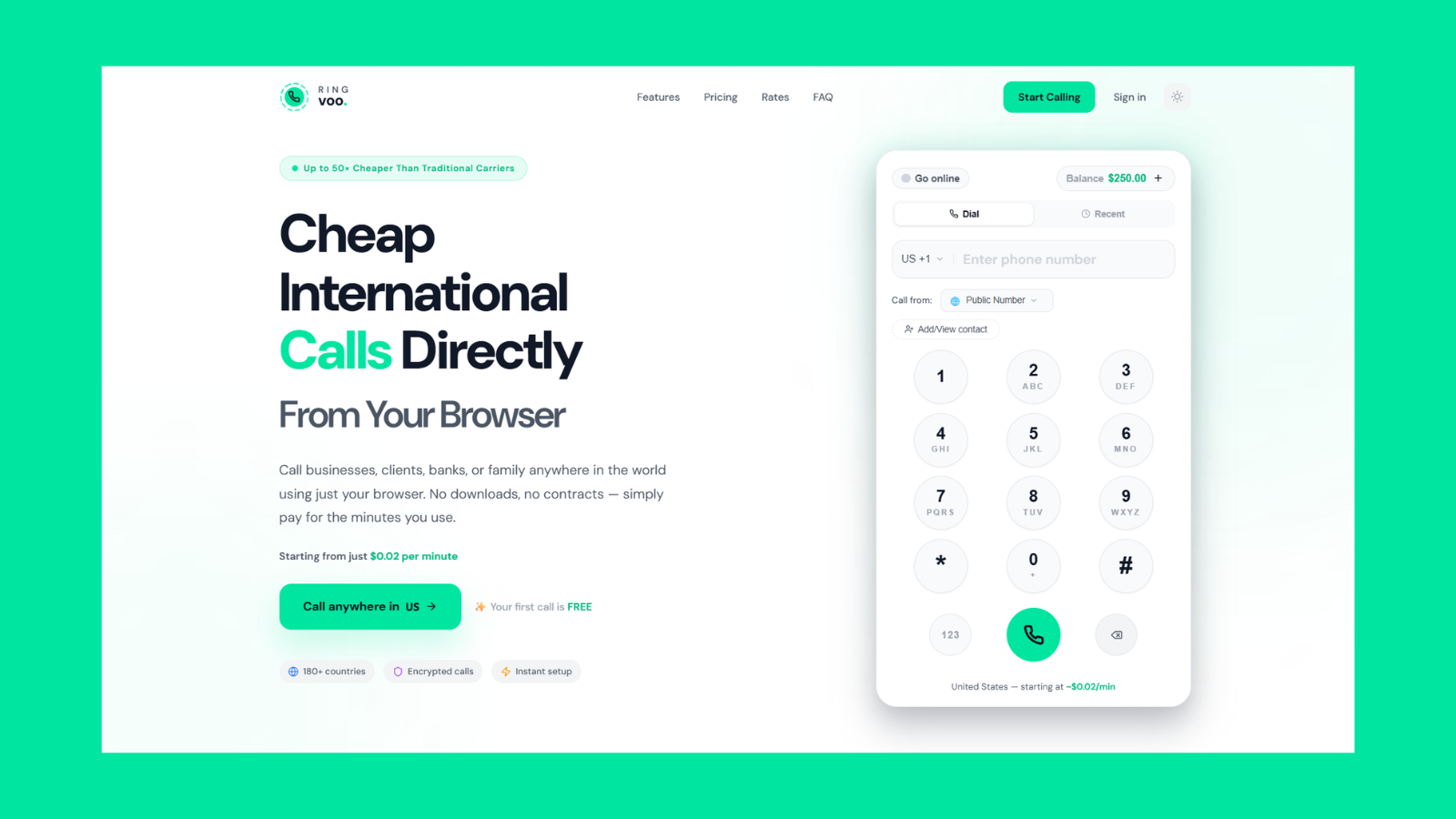
Dial parents' landlines, home banks, and support lines from dorm Wi-Fi without roaming packs or app installs. Student-friendly pay-as-you-go credits that never expire — add $10 when you need it.
Try Ringvoo free — call from your browser · View international rates
Sample Student Budgets: One Semester of Calls Home
Assumptions vary — adjust for your corridor using Ringvoo rates.
Light caller: 20 minutes/month to one home mobile via app (free) + 10 minutes/month to landline via VoIP (~$0.50–$2/month).
Typical caller: 60 minutes/month mixed mobile and landline PSTN (~$3–$8/month VoIP) plus free app video on weekends.
Heavy caller (family landline + bank monthly): 150 minutes/month (~$8–$20/month VoIP) — still often under one week of carrier TravelPass day fees.
Holiday crunch: Thanksgiving or Diwali week doubles volume — pay-as-you-go absorbs spikes without plan changes; unused credits roll to next semester because they never expire.
Study Abroad Phone Setup Checklist
- Keep or drop home-country SIM? If only for OTP texts, consider forwarding or virtual inbound later; if inactive, do not rely on it for callbacks.
- Buy host-country data SIM for maps, campus apps, and emergency cellular — voice international optional.
- Create Ringvoo account at login before homesickness week — test audio with a one-minute call.
- Load small credit balance ($10) and bookmark rates for home.
- Save family and institution numbers in E.164 in Google Contacts or phone cloud.
- Tell parents the best reach window in their local time — reduces missed calls and repeat redials.
Graduating into remote work? Your stack already matches digital nomad international calling — browser VoIP, local data SIM, PSTN for institutions.
When Students Still Need PSTN (Not Just FaceTime)
- Parent or grandparent without smartphone messaging apps
- Home mortgage, credit card, or tax authority verification calls
- Embassy or consulate appointment confirmations
- Airline schedule-change callbacks to registered home numbers
- University registrar and transcript offices that do not monitor email over weekends
- Doctor's office at home coordinating ongoing prescriptions
Free apps cover peer social life; PSTN covers adult bureaucracy and multigenerational family — budget for both categories separately.
Frequently Asked Questions
What is the cheapest way for students to call internationally?
Same-app calls are free when both sides qualify. For landlines and institutions, browser pay-as-you-go VoIP on dorm Wi-Fi is usually cheapest — see cheapest way to call abroad 2026.
Can I call my parents' landline from a dorm for cheap?
Yes. Use browser VoIP with full international dialing (+ country code). Landline rates are often competitive with mobile on VoIP rate cards.
Do I need a phone plan to call home from abroad?
You need internet (campus Wi-Fi or data), not carrier international voice. A local data SIM plus browser VoIP avoids expensive roaming voice entirely.
Is WhatsApp enough for study abroad calling?
For friends and classmates, often yes. For parents on landlines, banks, and offices, no — read WhatsApp vs phone call.
How much should students budget for international calls?
Many students spend $3–$15/month on PSTN VoIP at moderate volume — far less than daily roaming passes. Load credits incrementally; Ringvoo balances never expire between semesters.
Can I use Ringvoo on a university laptop?
Yes. Modern browsers work without admin installs — valuable on managed lab machines where app stores are blocked.
What happens to my credits after graduation?
Credits do not expire. Take your account into post-grad life, remote work, or digital nomad travel without losing balance.
Study Abroad Without Sticker-Shock Calls Home
Cheap international calls for students come down to using free apps for peers and browser VoIP for everyone else on real phone numbers — parents' landlines, banks, embassies, and airlines. Campus Wi-Fi is already paid for; pay-as-you-go PSTN turns it into a global phone booth without roaming day passes or subscription traps.
Load a few dollars of credit, save home numbers in international format, and call when you need to — not when carrier bundles say it is affordable. Compare Ringvoo rates for your home country and create your free student account before the first lonely Sunday night warrants it.